

Plan the Perfect Multi‑Stop Road Trip: 5 Best Apps for 2026
Why Most Navigation Apps Fail the Road Trip Test
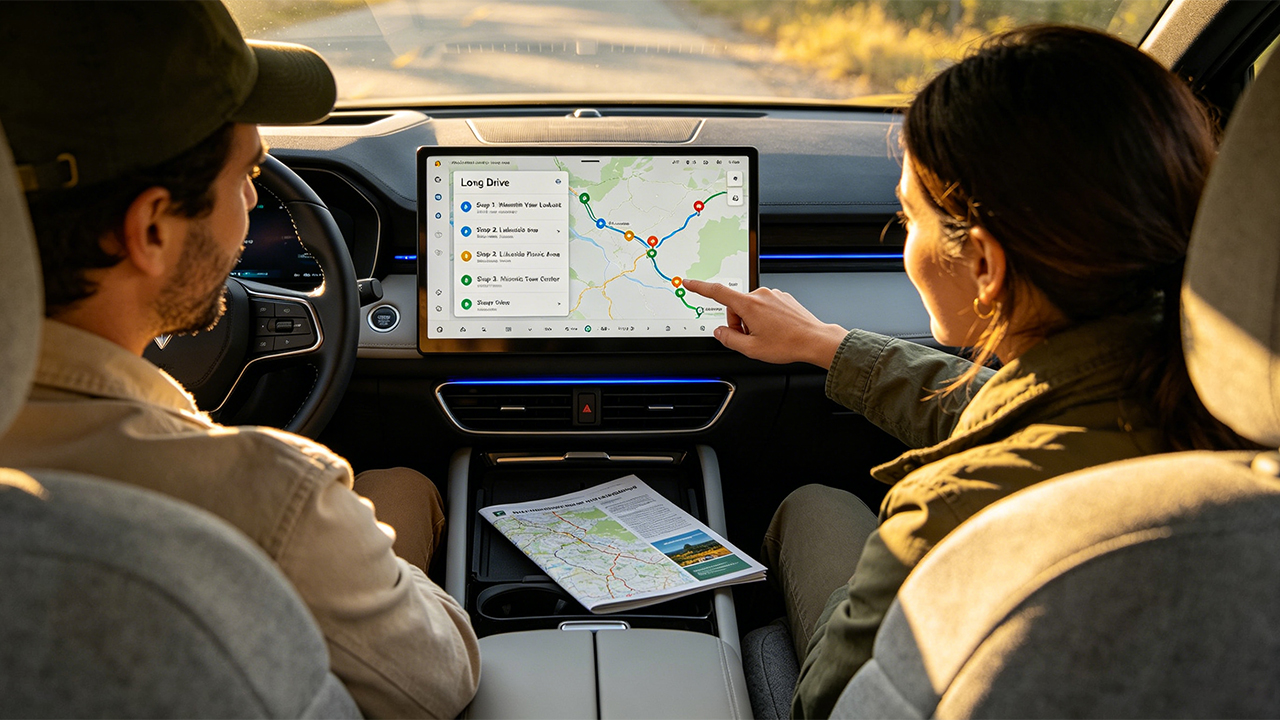
There is a moment on nearly every multi-stop road trip when the atmosphere inside the car noticeably changes. It usually arrives somewhere around the sixth hour of driving, when the route that originally looked perfectly reasonable on a laptop screen has somehow sent everyone 90 minutes out of the way for a roadside attraction that, in retrospect, was probably not worth the detour. The stops are arranged inefficiently, the ETA keeps drifting later into the evening, and someone suddenly realizes the next gas station is nearly 90 miles away.
Multi-stop road trip planning remains one of those problems that feels as though modern software should have solved years ago. Google Maps remains the world’s most widely used navigation app, yet it still imposes a hard cap of 10 destinations per route, including the starting point. More importantly, it does not automatically optimize stop order. The app simply follows whatever sequence the user enters manually, leaving travelers to determine the most efficient route themselves.
For a quick afternoon outing with two or three destinations, that limitation is manageable. For a week-long road trip crossing multiple states, however, the logistical burden escalates quickly. At that point, travelers often end up manually reorganizing stops, recalculating ETAs, and second-guessing routes — essentially doing the optimization work that many people assume navigation software should already handle automatically.
The good news is that dedicated route-planning apps on the Google Play Store have improved significantly in recent years. The bad news is that many were originally designed for delivery drivers, field technicians, and logistics companies rather than vacation travelers. As a result, some interfaces feel less like travel companions and more like dispatch-management software accidentally handed to tourists.
The following five apps were tested across a range of real-world road trip scenarios, including weekend drives through New England, extended West Coast highway journeys, and multi-city group-planned road trips. The goal was simple: determine which apps genuinely reduce planning friction — and which merely look impressive in promotional screenshots.
1.Roadtrippers: The Discovery Engine That Turns the Drive Into Part of the Vacation(Android& iOS)
Pricing: Free for up to 7 stops; Basic plan approximately $35.99/year (20 stops), Pro around $49.99/year (50 stops), and Premium roughly $59.99/year (150 stops)
What It Actually Gets Right
Roadtrippers is not a traditional route optimizer in the way logistics-focused navigation apps are. Instead, it functions more like a discovery platform layered on top of a mapping engine. Its greatest strength is an enormous database of quirky roadside attractions, scenic viewpoints, independent diners, historic oddities, and small-town stops that rarely surface naturally in mainstream navigation apps unless travelers already know exactly what to search for.
The app organizes recommendations into categories such as outdoor recreation, restaurants, lodging, entertainment, and historic landmarks, while also allowing users to filter attractions based on how far they are willing to detour from the main route. During testing on a drive between Nashville and Austin, the app surfaced a small family-owned pie shop hidden in rural Arkansas — a stop that ultimately became the highlight of the trip. That kind of accidental discovery is precisely what Roadtrippers excels at, and it is surprisingly difficult to replicate through ordinary web searches or manual map browsing.
The Premium subscription tier introduces “Autopilot,” an AI-assisted itinerary generator trained on data from tens of millions of previously planned trips. Travelers provide details such as budget, interests, vehicle type, and preferred travel pace, and the system builds a suggested route complete with recommended stops. In testing, the generated itineraries were not perfect, but they were far more coherent and practical than expected, requiring noticeably less manual adjustment than building routes from scratch.
Premium subscribers also gain access to RV-friendly navigation features that account for vehicle dimensions, bridge clearances, weight restrictions, and propane limitations — an unusually valuable addition for camper van and RV travelers.
Pros
Exceptional database of hidden attractions and roadside stops overlooked by mainstream navigation apps
AI-powered Autopilot itineraries provide genuinely useful trip-planning assistance
Strong RV-focused routing tools with support for height, weight, and propane restrictions
Collaborative itinerary editing works well for group-planned road trips
Clean, visually intuitive interface makes multi-day route planning easy to understand
Cons
Free plan’s 7-stop limit feels restrictive even for relatively short trips
Subscription pricing has steadily increased while more features move behind paywalls
Recommendation quality drops significantly outside the United States, Canada, Australia, and New Zealand
Some longtime users report that recent AI-focused updates weakened older exploration features they previously preferred
Roadtrippers works best for travelers who see the journey itself as part of the vacation rather than simply transportation between destinations. For users who care more about discovering memorable stops than shaving every possible minute off a route, few apps currently offer a better experience.
2.Wanderlog: The Spreadsheet Replacement for Obsessively Organized Travelers(Android& iOS)
Pricing: Free with unlimited stops and core planning tools; Pro subscription available for Gmail integration, offline access, and Google Maps export features
What It Actually Gets Right
If Roadtrippers focuses on discovering interesting places to visit, Wanderlog focuses on helping travelers organize those places into a trip that remains manageable in real life. The app feels less like a conventional navigation tool and more like a hybrid between a collaborative document editor, a travel organizer, and a route planner.
Its standout feature is surprisingly uncommon among competitors: unlimited stops on the free tier. Travelers can add as many destinations as they want while visualizing the full itinerary on a Google Maps-based route view. Stops appear as connected pins on the map, making the entire journey understandable at a glance rather than buried inside endless lists or spreadsheets.
More importantly, the app automatically calculates drive times and distances between stops while also totaling travel time day by day. That small detail becomes extremely valuable during long road trips because it exposes unrealistic schedules immediately. If Wednesday’s itinerary accidentally requires nine hours of driving, the app makes that painfully obvious before anyone actually gets on the road.
Wanderlog also includes a built-in route optimizer capable of rearranging stops to reduce overall driving time. In practice, however, it behaves more like a smart recommendation engine than an industrial-grade logistics solver. During testing on a seven-stop route through Vermont’s fall foliage region, the optimized route reduced driving time by roughly 45 minutes compared with the manually arranged itinerary. The improvement was meaningful, though not revolutionary.
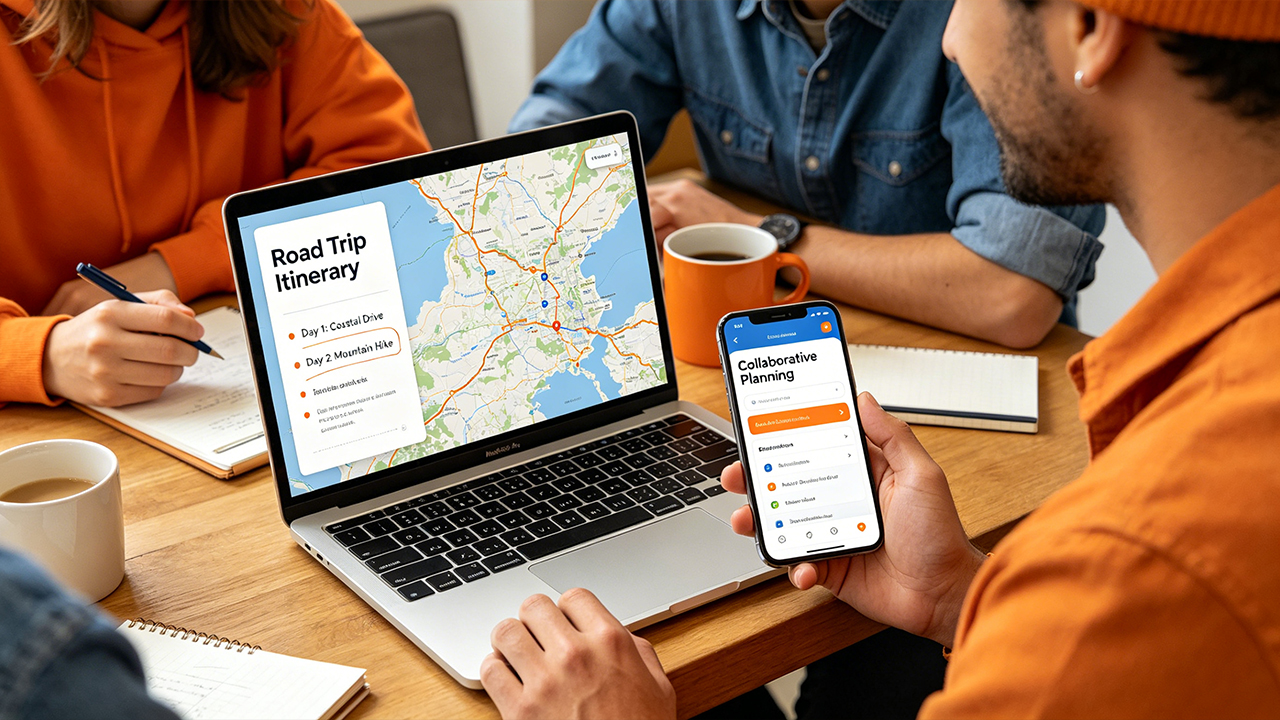
The app’s biggest advantage is collaboration. Multiple travelers can edit the same itinerary simultaneously in a shared workspace that functions similarly to Google Docs, complete with permissions that control who can edit and who can only view. For group trips, this dramatically reduces the usual chaos of fragmented spreadsheets, screenshots, and group chats.
The Pro subscription expands the experience further by allowing users to forward hotel and flight confirmation emails for automatic import, connect Gmail accounts, and export routes directly into Google Maps for turn-by-turn navigation. Offline access is also included — an important feature for travelers driving through regions with unreliable mobile coverage.
Pros
Unlimited stops on the free tier feels unusually generous compared with most competitors
Excellent real-time collaboration tools for group trip planning
Automatic daily drive-time calculations help prevent unrealistic itineraries
Offline access provides dependable itinerary viewing in low-service areas
Functions as a broader travel organizer with budgeting, reservation management, and expense tracking
Cons
Route optimization is relatively lightweight compared with delivery-focused logistics software
No built-in turn-by-turn navigation; routes must be exported to Google Maps
Large trips with extensive notes can make the interface feel crowded
Some of the most useful convenience features require a Pro subscription
Wanderlog is particularly well suited for travelers who enjoy organizing every detail of a trip before departure. For people who previously relied on sprawling spreadsheets, shared documents, and dozens of browser tabs, it often feels less like a navigation app and more like a complete travel command center.
3.Routora: The AI Route Optimizer Built for Pure Efficiency(Android& iOS)
Pricing: Free with ads and support for up to 10 stops per route; Pro subscription available for additional stops and advanced features
What It Actually Gets Right
Routora approaches road trip planning from an entirely different angle than discovery-focused apps. It is not designed to help travelers uncover hidden roadside attractions or organize detailed itineraries. Instead, it focuses obsessively on one problem: taking a list of destinations and rearranging them into the most efficient driving order possible.
The app is built around solving a classic mathematical optimization challenge commonly known as the “traveling salesperson problem” — determining the shortest possible route that visits every stop exactly once. Users simply paste in addresses, choose a transportation mode such as driving, cycling, or walking, and tap the optimization button. Within seconds, the app reorganizes the stops and estimates the amount of time and distance saved compared with the original order.
In practical testing, the optimization engine consistently produced sensible results, particularly on routes involving many scattered destinations. Rather than forcing users to manually compare dozens of possible stop combinations, Routora quickly generates a cleaner route structure that often reduces unnecessary backtracking and duplicated driving.
Its most useful feature is the seamless handoff to mainstream navigation apps. Once a route has been optimized, travelers can export it directly into Google Maps or Waze with a single tap. That design makes Routora function less like a replacement navigation app and more like a preprocessing layer: users optimize the route inside Routora, then rely on Google Maps or Waze for live traffic updates and turn-by-turn directions.
The interface itself is refreshingly minimal. Unlike many delivery-focused optimization tools that resemble enterprise logistics dashboards, Routora keeps the experience simple enough that casual travelers can understand it immediately.
Pros
Fast and genuinely effective AI-powered route optimization for multi-stop trips
Extremely convenient export system for Google Maps and Waze navigation
Clean, minimalist interface without unnecessary complexity
Supports driving, cycling, and walking routes
Free tier remains useful for smaller trips and basic optimization needs
Cons
Free plan limits routes to 10 stops and includes advertisements
Addresses must currently be entered manually, which becomes tedious for long itineraries
Estimated route times may differ somewhat from final Google Maps navigation estimates
Fuel-savings calculations lack transparent methodology and default to US dollar estimates
Routora works best for travelers who already know exactly where they want to go and simply want the most efficient way to get there. It is less about exploration and far more about eliminating wasted driving time — a focused, specialized tool that solves one problem surprisingly well.
4.MapoScope: The Delivery-Grade Optimization Tool(Android)
Pricing: Free for routes up to 10 stops; subscription plans unlock advanced features and support for up to 500 stops
What It Actually Gets Right
Despite its unusually generic name, Multi-Stop Route Planner by MapoScope is an extremely capable route-optimization platform built with commercial logistics in mind. Originally designed for delivery drivers, couriers, and field-service workers, the app applies that same heavy-duty optimization engine to anyone willing to navigate its more technical interface.
Its headline capability is scale. While most consumer navigation apps struggle with more than a handful of stops, Multi-Stop Route Planner can optimize routes containing up to 500 destinations. The app claims its algorithms can reduce overall driving time by as much as 30% by intelligently rearranging stop sequences and minimizing unnecessary backtracking.
Unlike simpler travel-focused planners, the optimization system also supports time windows, stop priorities, estimated service durations, and live traffic considerations. Although these tools were clearly built for commercial operations, they become surprisingly useful for ambitious travelers managing tightly scheduled multi-city trips, event photography tours, festival circuits, or long-distance group itineraries with fixed reservation times.
One of the app’s most practical strengths is batch geocoding support. Instead of manually entering dozens of destinations one by one, users can upload CSV or Excel files directly into the app. For complicated trips with large destination lists, this feature alone saves an enormous amount of setup time.
The app also includes several business-oriented tools rarely seen in consumer road trip software, including PDF route exports, ETA notifications, and drag-and-drop stop adjustments directly on the map. While those features may feel excessive for casual travelers, they reinforce how powerful the platform becomes once users learn its workflow.
With thousands of Google Play reviews and a strong overall user rating, the app has built a sizable reputation among users who prioritize efficiency over aesthetics.
Pros
Supports extraordinarily large routes with up to 500 stops
CSV and Excel import tools eliminate tedious manual address entry
Advanced optimization options including time windows and stop priorities
Integrated navigation with live traffic updates
Free version remains usable for smaller multi-stop trips
Cons
Interface feels heavily optimized for commercial logistics rather than leisure travel
Android-only platform with no iOS version available
Full 500-stop functionality requires a subscription
Visual design and user experience feel noticeably less polished than consumer-focused competitors
Multi-Stop Route Planner is best suited for travelers who care more about operational efficiency than visual elegance. For users managing extremely complex routes with dozens of destinations, it delivers a level of optimization power that most vacation-oriented road trip apps simply cannot match.
5.Google Maps: The Best Navigator With Surprisingly Weak Route Optimization(Android& iOS)
Availability: Google Maps on Android, iOS, and Web
Pricing: Completely free
What It Actually Gets Right
When it comes to pure turn-by-turn navigation, Google Maps remains the industry benchmark. Its real-time traffic analysis is still among the most accurate and responsive systems available, and its global place database remains virtually unmatched. Restaurants, gas stations, hotels, attractions, photos, reviews, opening hours, and crowd-level estimates are all deeply integrated into the experience at a scale that competitors still struggle to replicate.
Offline maps also continue to be one of Google Maps’ biggest strengths. Travelers can download large geographic areas in advance and retain reliable navigation even in regions with weak or nonexistent cellular coverage — a feature that becomes especially valuable during long rural drives or international road trips.
For ordinary navigation tasks, the app performs exceptionally well. Getting from one destination to another remains fast, intuitive, and remarkably reliable. Even simple multi-stop routes involving two or three destinations are handled smoothly.
The problem emerges when travelers attempt to use Google Maps as a true road trip planning platform rather than a navigation tool. Despite being the dominant mapping app globally, Google Maps still imposes a hard limit of 10 stops per route, including the starting point. More importantly, it offers no meaningful route optimization. Destinations are visited strictly in the order they were entered, regardless of whether that sequence makes logistical sense.
As a result, the most effective workflow discovered during testing rarely involved using Google Maps alone. Instead, travelers often built and optimized itineraries in apps such as Wanderlog or Routora before exporting daily routes into Google Maps for live navigation and traffic-aware rerouting.
In practice, Google Maps functions less like a complete road trip planner and more like the final execution layer that other planning tools rely on.
Pros
Industry-leading real-time traffic data and dynamic rerouting
Massive global database of businesses, attractions, reviews, and operating hours
Completely free with no subscription paywalls
Reliable offline maps for low-signal travel regions
Excellent integration with the broader Google ecosystem
Cons
Strict 10-stop route limit including the starting location
No automatic route optimization or intelligent stop reordering
Weak collaboration tools for group trip planning
No built-in multi-day itinerary management or drive-time forecasting
Splitting large trips into multiple route segments quickly becomes cumbersome
Google Maps remains the best navigation engine available for actually driving a route. The issue is that it was never truly designed to plan large, complex road trips in the first place. For travelers managing ambitious multi-stop itineraries, it works best when paired with a dedicated planning or optimization app rather than used alone.
The Final Verdict: Which Road Trip App Fits Which Traveler
After extensive testing across multiple road trip styles, one conclusion became impossible to ignore: no single app excels at every aspect of road trip planning. The best choice depends entirely on the kind of traveler sitting behind the wheel and the type of trip being planned.
For travelers who view the drive itself as part of the adventure, Roadtrippers stands out as the strongest discovery-focused platform available. Its enormous database of quirky roadside attractions, scenic detours, and hidden local stops consistently surfaces places that would never appear in ordinary navigation searches. The AI-powered Autopilot feature also produces surprisingly coherent itineraries, while the RV-specific routing tools make it especially valuable for camper van and trailer owners. The major caveat is pricing: the free version’s restrictive 7-stop limit quickly becomes frustrating on any serious road trip.
For highly organized travelers who want every reservation, destination, and schedule detail centralized in one collaborative workspace, Wanderlog emerges as the strongest all-around planning tool. Unlimited free stops, real-time collaboration, automatic drive-time calculations, budgeting tools, and offline itinerary access make it feel less like a mapping app and more like a full travel management system. The Pro subscription becomes particularly worthwhile for travelers who rely heavily on Gmail imports and direct Google Maps export functionality.
Travelers whose only concern is maximizing route efficiency will likely gravitate toward either Routora or Multi-Stop Route Planner, though they target slightly different audiences. Routora is the cleaner and more approachable option for moderately complex trips involving roughly 10 to 25 stops. Its AI optimization works quickly, and its seamless export into Google Maps or Waze makes the workflow remarkably smooth.
Multi-Stop Route Planner, by contrast, operates more like industrial-grade logistics software. With support for up to 500 stops, CSV imports, time-window management, and advanced optimization controls, it becomes the heavyweight option for travelers managing extremely large or highly structured itineraries. The tradeoff is usability: the interface feels far more like dispatch software than vacation planning.
Meanwhile, Google Maps continues to serve as the essential navigation backbone tying all of these tools together. It remains the strongest live-navigation engine in the category thanks to its unmatched traffic data, offline maps, and global place database. The limitation is that it was never truly designed to manage large multi-stop road trips on its own. Travelers attempting to use it as a complete itinerary planner inevitably collide with its strict 10-stop limit and lack of route optimization.
The most effective workflow that emerged during testing combined multiple apps rather than relying on a single all-in-one solution. Travelers often planned broad itineraries in Wanderlog or Roadtrippers, optimized especially complicated segments in Routora, and then navigated each individual driving day through Google Maps. It is not a perfectly unified ecosystem yet, but the combination comes surprisingly close to replacing the old passenger-seat navigator armed with paper maps, printed directions, and a highlighter pen.





