

Don't Let Inspiration Die: Mobile Screenwriting Apps That Actually Keep Your Formatting Perfect
Screenplay ideas never seem to arrive at convenient times. They show up halfway through a commute, during a coffee run, or right when you’re trying to fall asleep. You pull out your phone, open a notes app, and suddenly realize you’re trying to format dialogue, scene headings, and action lines inside software that clearly wasn’t built for scripts. One misplaced indent later, the entire page looks wrong. And in screenwriting, formatting matters more than most people realize. A messy script can scream “amateur” before anyone even reads the first scene.
That’s exactly why mobile screenwriting apps exploded in popularity over the last few years. The good ones don’t just let you type — they handle the structure for you. Character names snap into place automatically. Dialogue formats itself correctly. Scene headings appear with a quick tap instead of endless manual spacing. The best apps almost disappear while you’re writing, which is honestly the whole point. After testing the biggest names across iPhone and iPad — focusing on formatting accuracy, keyboard flow, syncing, offline reliability, and pricing — a few apps stood out immediately.
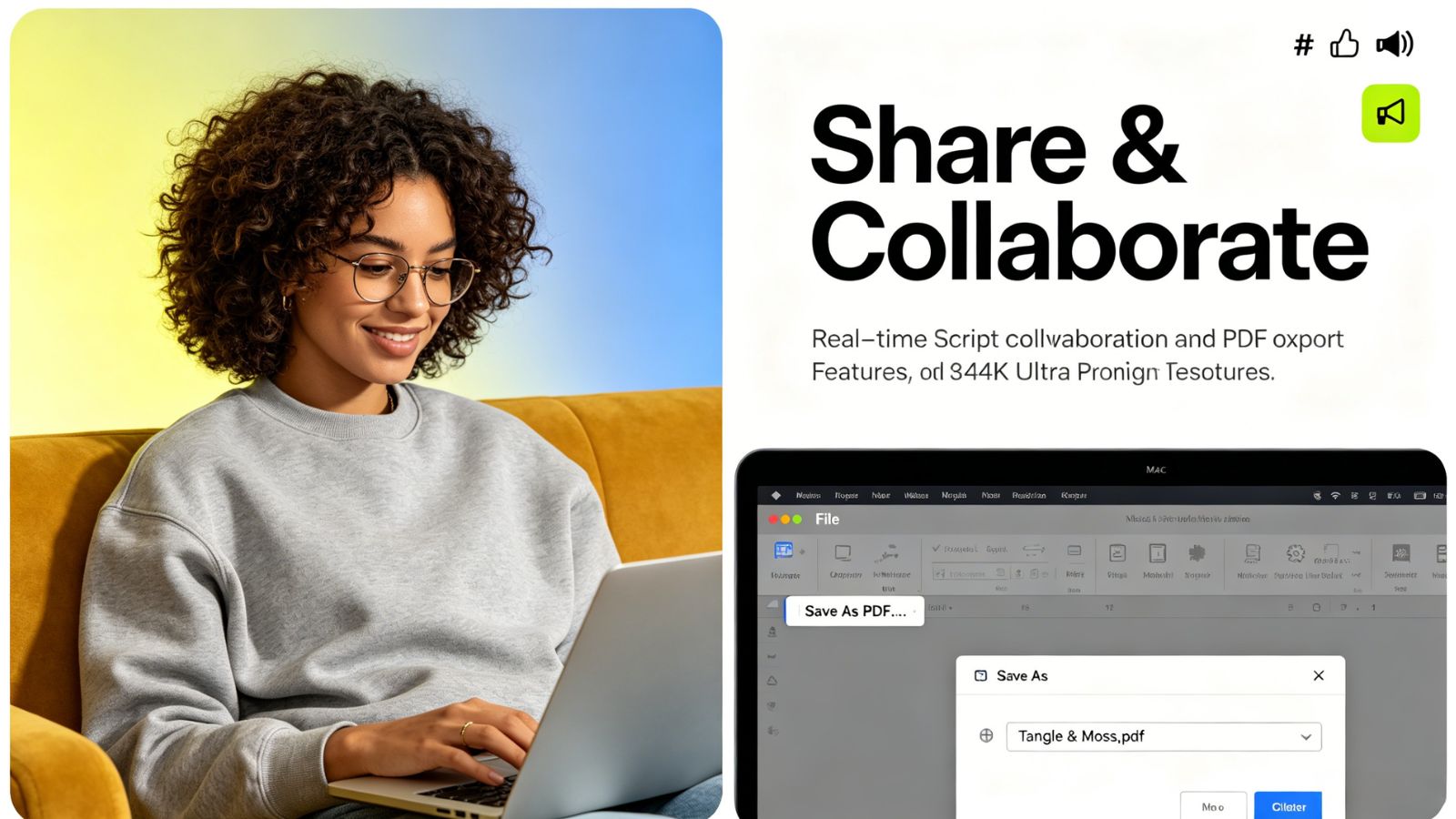
Final Draft Go (iOS)
The closest thing to carrying a Hollywood writers’ room in your pocket
Final Draft Go exists for one reason: compatibility.
Since desktop Final Draft is still the industry standard in film and television, the mobile app focuses heavily on keeping everything perfectly aligned with production-level formatting. Open a script on your iPad, and the pagination matches the desktop version exactly. Same spacing. Same page breaks. Same layout producers and assistants expect to see.
That precision matters if you’re actively collaborating with studios, production offices, or other writers already living inside the Final Draft ecosystem.
The mobile typing experience is surprisingly smooth too. Instead of constantly fiddling with formatting menus, the app predicts what comes next. Hit return after a character name? Dialogue appears automatically. Need a new scene heading? One tap. Once the rhythm clicks, writing on a touchscreen starts feeling much faster than you’d expect.
SmartType is another huge quality-of-life feature. After a while, the app remembers your characters, locations, and common transitions, which cuts down repetitive typing dramatically during long drafts.
The biggest complaint is the pricing. A lot of longtime users still resent the shift toward subscriptions for what used to be a one-time purchase. And Android users are completely out of luck here.
What stands out
Industry-standard formatting with flawless .fdx compatibility
Extremely smooth mobile screenplay workflow
Smart predictive character and location suggestions
Excellent revision and production tools
Where it struggles
Subscription pricing frustrates many longtime users
No Android version available
WriterDuet (iOS, Android & Web)
Best for co-writing without losing your mind
WriterDuet was clearly built by people who understand how chaotic collaborative writing can get.
Its biggest strength is real-time synchronization. You can be editing dialogue on your phone while a co-writer restructures scenes on a laptop somewhere else, and everything updates almost instantly without turning the screenplay into a formatting disaster.
That sounds simple until you’ve experienced the alternative.
Most collaboration tools eventually break under pressure — duplicated lines, conflicting edits, lost changes, weird spacing glitches. WriterDuet handles those situations remarkably well, even when internet connections get unstable. If you go offline briefly, the app quietly stores your edits locally and merges them once you reconnect.
The free version is also surprisingly generous compared to competitors. You can manage several projects without immediately smashing into aggressive paywalls, which makes it appealing for newer writers still figuring things out.
The only real downside is visual overload. On a smaller iPhone screen, the interface can feel crowded because the app packs in so many tools, comments, menus, and collaboration options at once.
Still, for writing teams, it’s one of the strongest options available.
What stands out
Excellent real-time collaboration
Reliable cloud syncing and offline recovery
Generous free tier without watermarks
Full cross-platform support
Where it struggles
Interface can feel cluttered on smaller screens
Advanced tools require a premium subscription
Beat (iOS)
What is the core feature that actually works?
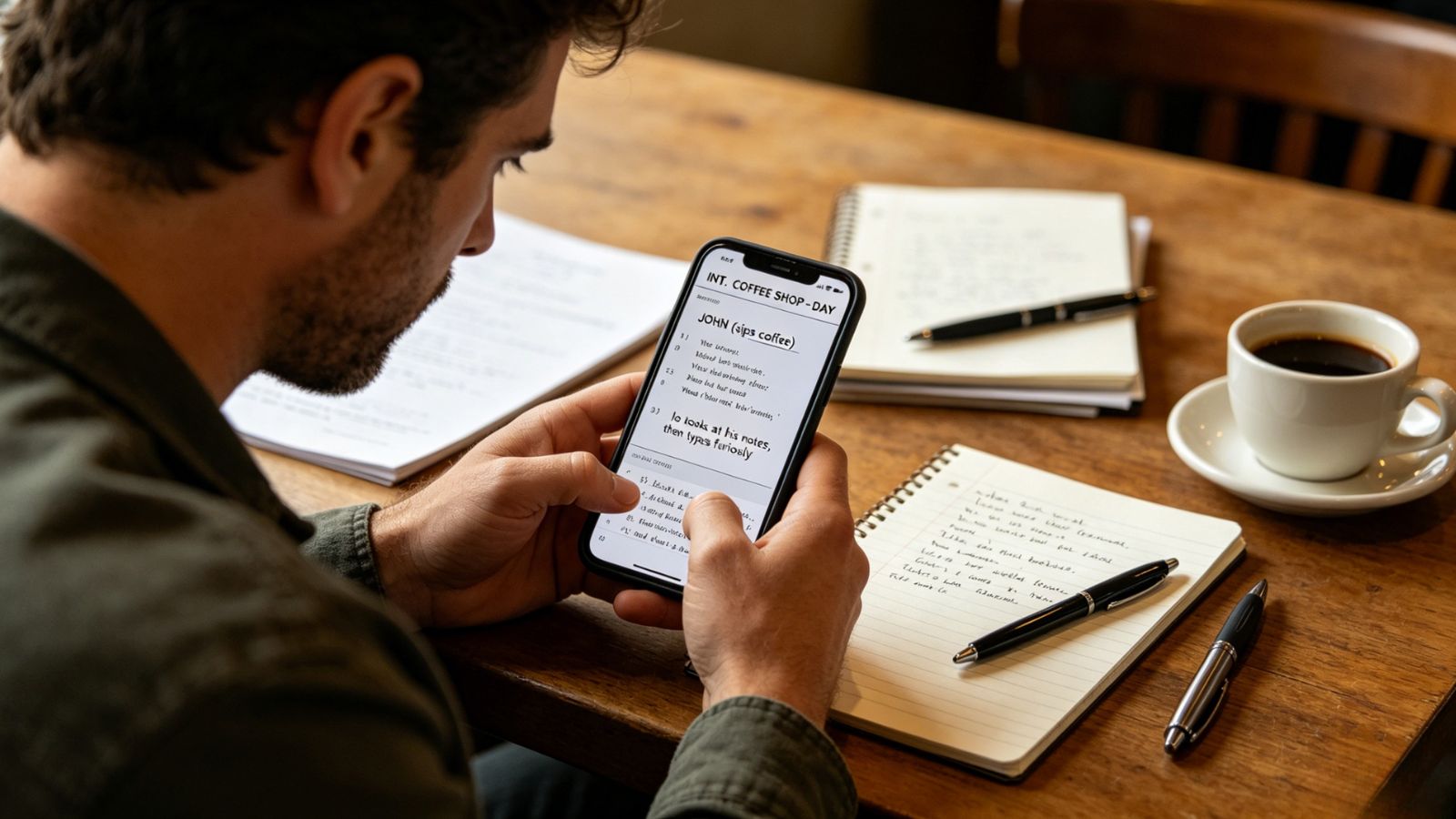
Beat has rapidly become the darling of independent screenwriters who despise mandatory subscriptions. Built entirely on the universal Fountain open-source plain-text syntax, Beat’s core feature that functions flawlessly is its minimalist text-to-script engine. Writers do not need to constantly hit menu buttons to change margins; they simply type dialogue and action using standard formatting habits, and Beat converts it in real time into an immaculate, industry-standard studio script page. It treats files as raw text, ensuring the application stays fast and never crashes on mobile hardware.
What stands out
Highly generous and flexible pricing structure, offering full, uncompromised core functionality for free with optional "pay what you want" donations.
Incredible implementation of the Fountain syntax layout, allowing blazing-fast typing speeds on mobile keypads.
Highly functional timeline and card tools that help map out structural beats without cluttering the screen.
Solid external Bluetooth keyboard optimization that makes an iPad feel like a dedicated hardware typewriter.
Where it struggles
Requires a small learning curve to master the basic plain-text punctuation formatting rules.
Lacks complex, corporate production-office tools like automated cast breakdown generation.
Arc Studio (iOS)
The most modern-feeling writing experience
Arc Studio feels designed for the way people actually brainstorm stories today.
Instead of treating your screenplay like one giant wall of text, the app breaks the process into movable pieces — scenes, beats, character moments, structural turns. On an iPad especially, the outlining tools feel fantastic. You can drag scenes around with your fingers, color-code story arcs, reorganize sequences, and watch the screenplay update itself automatically underneath.
That tactile workflow works incredibly well on touchscreens.
A lot of older screenwriting apps still feel trapped in desktop-computer logic. Tiny menus. Dense toolbars. Arc Studio feels cleaner, lighter, and much more intuitive for mobile writing sessions.
The interface also deserves credit. It’s polished without feeling distracting, which is surprisingly hard to pull off in creative software.
The catch, unfortunately, is pricing. Arc leans heavily into subscriptions, and unlocking the full experience gets expensive fast compared to simpler alternatives like Fade In.
There’s also still no Android version, which limits its reach considerably.
What stands out
Beautiful modern interface
Excellent outlining and story-structure tools
Perfectly suited for iPad touch controls
Strong syncing between desktop and mobile
Where it struggles
Expensive yearly subscription model
No Android support
DubScript (Android)
The Android screenwriting app people quietly swear by
Android users have historically gotten the short end of the stick with screenwriting software. DubScript changes that.
The app is built around Fountain syntax — a plain-text system screenwriters use to write quickly without constantly stopping for formatting adjustments. Instead of manually setting dialogue blocks or character spacing, you simply type naturally, and DubScript converts everything into a properly formatted screenplay automatically.
It’s incredibly fast once you get used to it.
Because the scripts stay lightweight text files underneath, the app also feels unusually stable. Large projects open quickly, crashes are rare, and older Android devices handle it surprisingly well.
The free version is strong enough to write an entire feature screenplay comfortably, which makes it one of the better values on mobile.
The obvious downside? iPhone and iPad users can’t use it at all. And while the ads in the free version aren’t unbearable, they can still interrupt the writing flow occasionally.
Still, for Android writers, it’s easily one of the strongest options available.
What stands out
Excellent Fountain support for fast writing
Stable, lightweight performance
Strong cloud and local file management
Very capable free version
Where it struggles
Android-only
Ads in the free version can become distracting

Which app is actually the best?
For iPad and iPhone users, Arc Studio probably offers the most enjoyable overall writing experience right now.
It understands that modern screenwriting isn’t just typing pages — it’s outlining, rearranging scenes, restructuring character arcs, and constantly reshaping stories while you write. On a touchscreen device, those visual tools feel far more natural than old-school desktop-style interfaces.
That said, the “best” app depends heavily on how you work.
If you need absolute Hollywood-standard compatibility,Final Draft Go still dominates. If collaboration matters most, WriterDuet is hard to beat.
Either way, screenwriting on a phone or tablet finally stopped feeling like a compromise. These apps are good enough now that real work actually gets done on them — not just rough notes typed in a hurry between meetings.





