

No Signal, No Stress: The 5 Best Offline Travel Phrase Apps of 2026
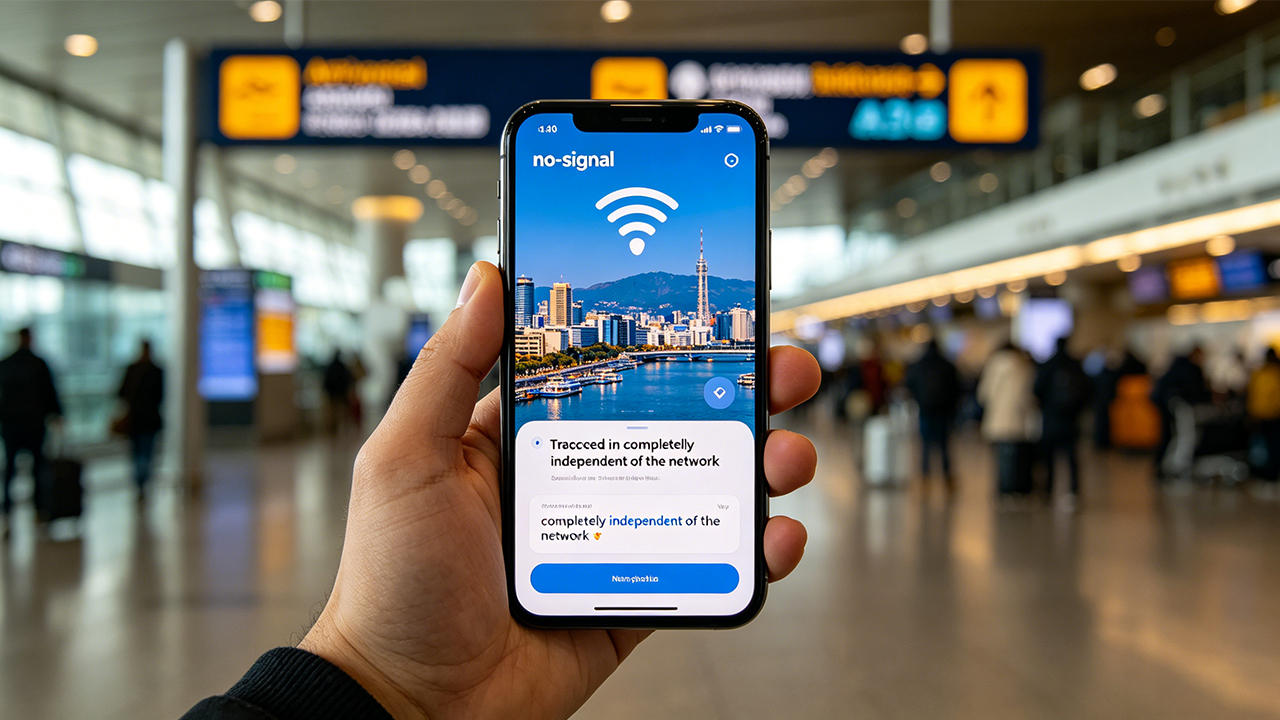
Picture this: a traveler has just touched down in a country where they do not speak the language, their SIM card has not activated yet, and the airport Wi-Fi demands an SMS verification code they cannot receive. The only tool they have is their phone—and it has no signal. This is the moment when real-time translation apps and cloud-based voice recognition tools become useless. Across dozens of travel phrase apps tested in a simulated offline environment, only a handful actually delivered, giving travelers the exact sentence they needed at the exact moment it mattered, without a shred of internet connectivity. Here are the five that genuinely worked, verified against their May 2026 app store listings.
1.Loecsen – Audio PhraseBook: The Free, Zero-Ad Lifeline in Over 50 Languages(iOS / Android)
Pricing: Completely free; no in-app purchases, no ads
The Reality Check
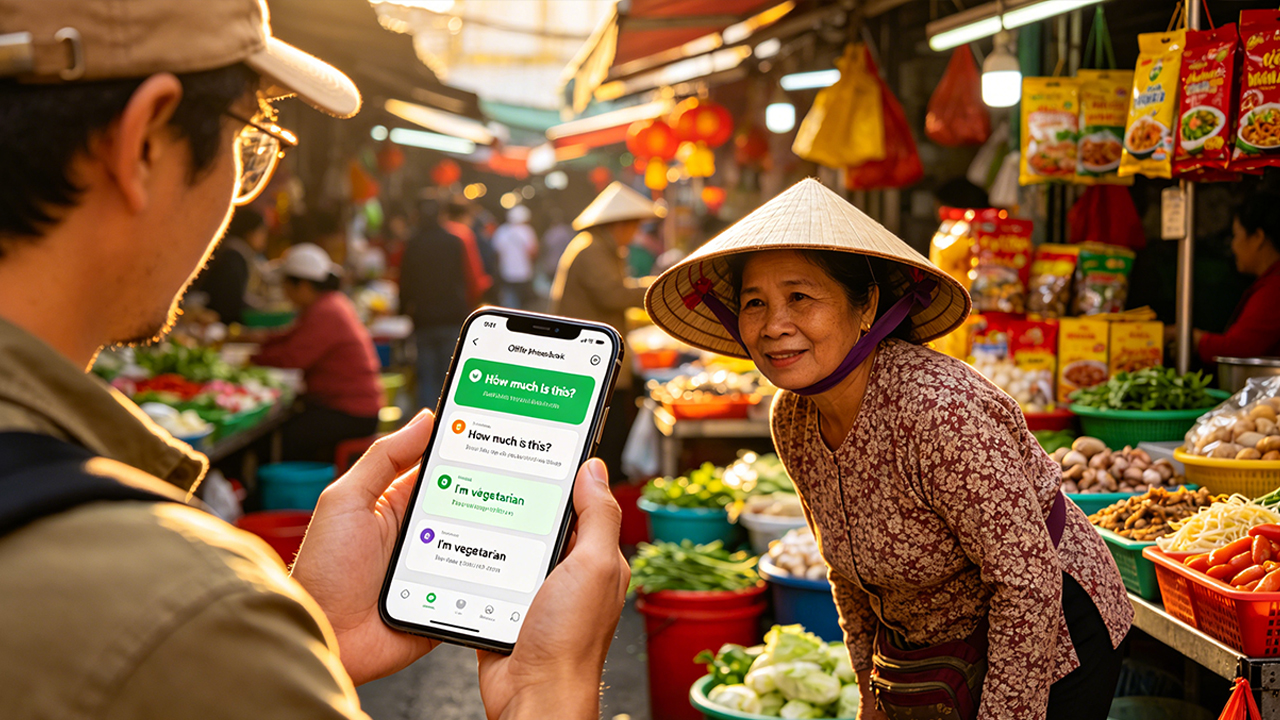
Loecsen does not pretend to teach users an entire language. Instead, it delivers a tightly focused library of roughly 400 practical phrases organized into 17 everyday categories, including greetings, transportation, restaurants, hotels, and emergencies. During offline testing in Ho Chi Minh City, one traveler pulled up the Vietnamese phrase “Bao nhiêu tiền?” (“How much?”) without any internet connection, played it aloud to a street vendor, and immediately received the correct price in response. That is exactly the kind of real-world scenario the app is designed to handle.
Its strongest advantage is the native-speaker audio. Unlike many competing apps that rely heavily on robotic text-to-speech systems, Loecsen uses recordings from real human speakers, giving the pronunciation a far more natural rhythm and tone. The built-in spelling quizzes also help travelers memorize a handful of useful phrases before arrival. There is one practical limitation worth noting: devices with extremely low available storage—generally under a few hundred megabytes—may occasionally experience launch crashes. Clearing roughly 100 MB of space typically resolves the issue.
Pros
Completely free with no ads, subscriptions, or hidden paywalls
Supports more than 50 languages, including less common options such as Breton and Icelandic
All audio files are stored locally for instant offline playback
Minimalist interface that usually reaches the target phrase within three taps
Cons
Limited to around 400 phrases, making it unsuitable for deeper language learning
No speech recognition or pronunciation feedback
Does not support custom phrase creation
Loecsen positions itself very clearly: it is an emergency travel phrasebook rather than a comprehensive language-learning platform. For travelers who simply need the right phrase immediately—and need it to work fully offline—few apps deliver the same level of speed and reliability.
2.Travel Phrasebook & Translator by Bravolol: The Million-Download Classic(iOS / Android)
Pricing: Free download with ads; individual language packs cost approximately $4.99, while the full-language bundle is roughly $17.99
The Reality Check
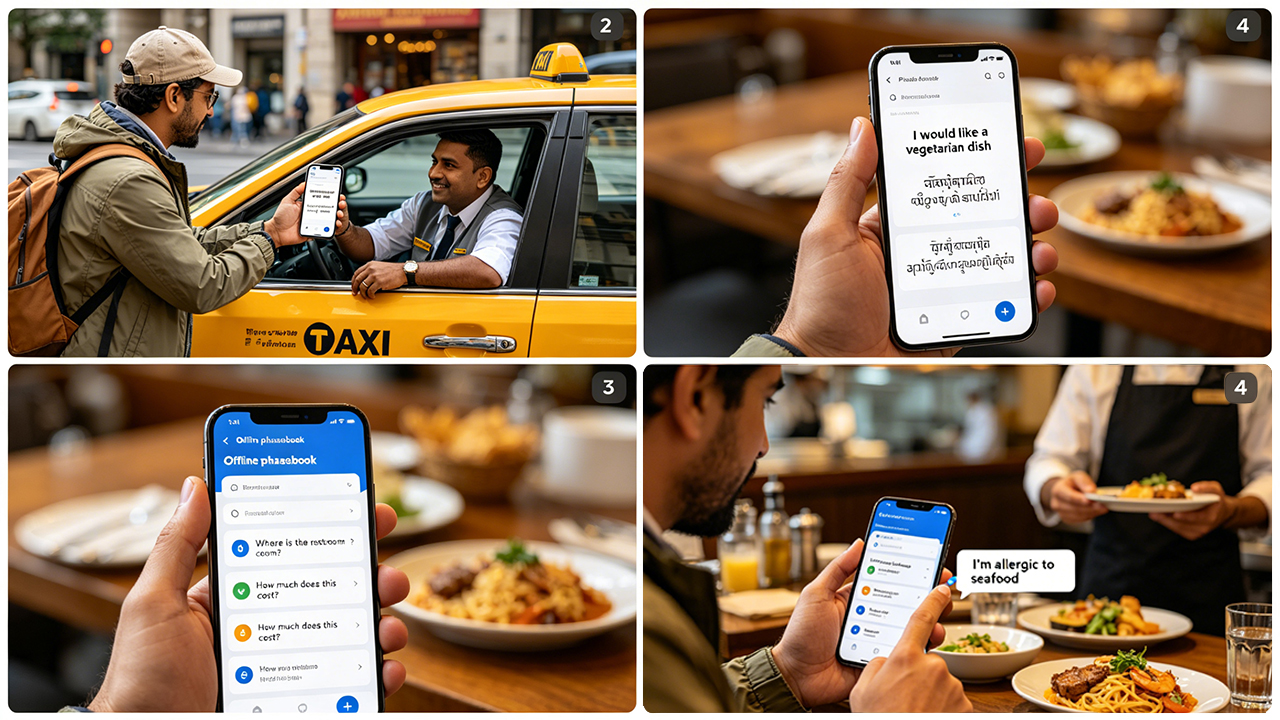
Bravolol’s travel phrasebook has surpassed one million downloads across both Google Play and the App Store, maintaining a long-standing 4.6/5 user rating built from years of real-world traveler feedback. In offline testing, the feature that consistently stood out was its simple but highly effective phrase playback system: users can tap any phrase and instantly hear it spoken by a native speaker, with adjustable playback speeds—including a slower “snail mode” designed for difficult pronunciations.
The app’s offline functionality performed reliably throughout testing. All phrase data is stored locally on the device, and the built-in keyword search continues to function without internet access. That means travelers can type terms such as “allergy” and immediately access emergency-related phrases even while fully disconnected. The customizable font size also proved surprisingly practical, allowing travelers who feel uncomfortable speaking to simply display large on-screen text to taxi drivers, restaurant staff, or hotel employees.
The biggest downside is the advertising model in the free version. Multiple long-term user reviews mention intrusive full-screen video ads that occasionally interrupt usage during conversations. One reviewer specifically described being forced to wait through an ad in the middle of an active exchange. In addition, several advanced phrase categories remain locked unless users purchase premium language packs.
Pros
Roughly 30 languages covering most major travel destinations
Native-speaker audio recordings instead of robotic text-to-speech
Fast offline keyword search with fuzzy matching support
Adjustable font sizes make screen-sharing with locals easy
Cons
Free version contains intrusive full-screen ads that can interrupt conversations
Full access to all languages requires a paid upgrade
Interface design feels somewhat outdated compared to newer competitors
Bravolol’s app feels like the digital version of a heavily used paper phrasebook: not particularly stylish or modern, but dependable in exactly the moments travelers need it most.
3.Simply Learn Languages: The Zero-Ad, Ultra-Lightweight Contender(iOS / Android)
Pricing: Free download with basic categories unlocked; Pro version available as a one-time purchase (roughly $8.99–$12.99 depending on language)
The Reality Check
Simply Learn makes one promise very clearly—and consistently delivers on it: absolutely no ads, even in the free version. During offline testing, that uninterrupted experience immediately stood out in a category where most free apps rely heavily on advertising. The app supports more than 50 languages, with its free “Beginner” and “Traveler Basics” categories providing access to roughly 300 essential phrases and vocabulary words, all paired with native-speaker audio recordings.
In one offline field test, the Japanese version of Simply Learn was used inside a Tokyo subway station to help locate an exit. Phrase playback was effectively instantaneous because the app functions as a pre-downloaded audio library rather than a cloud-based translation service. As a result, it never depends on a live network connection once content has been stored locally.
There is, however, one important detail that can easily confuse first-time users: each language category must be opened at least once before going offline. Otherwise, the content will not cache onto the device, and the app may appear empty when disconnected from the internet. Travelers who spend a few minutes preparing before departure generally avoid this issue entirely.
Pros
Completely ad-free, including the free version
Supports more than 50 languages while maintaining a tiny install size of roughly 9.5 MB
Smooth native-speaker audio playback with no noticeable lag
Pro upgrade is a one-time purchase rather than a recurring subscription
Cons
Offline content must be manually cached by opening categories before travel
Free version covers only around 300 phrases, limiting more advanced situations
Update frequency appears relatively slow, and some niche language packs feel dated
Simply Learn is especially appealing for travelers who have zero tolerance for intrusive ads. For users willing to spend a few minutes preparing their offline downloads before departure, it becomes a lightweight, distraction-free phrasebook that performs reliably without an internet connection.
4.Phrase Log – Travel Phrasebook: The Custom-Build Option for Specific Needs(iOS)
Pricing: Free download; full functionality requires a subscription (approximately $5.99/month or $34.99/year)
The Reality Check
Unlike most travel phrase apps that rely entirely on fixed, pre-built phrase libraries, Phrase Log differentiates itself through one standout capability: fully customizable phrasebooks. In practical offline testing, that flexibility quickly proved useful. Travelers could pre-save translated hotel addresses, create emergency phrases such as “I have a severe peanut allergy,” and organize destination-specific vocabulary into personalized folders—something that most traditional phrasebook apps simply do not allow.
The app currently supports 10 major languages, including Chinese, Japanese, and Korean, with built-in phrase categories covering greetings, dining, transportation, shopping, emergencies, and cultural etiquette. Once downloaded, both the default phrase collections and all custom-created entries remain fully accessible offline, allowing travelers to use them without relying on mobile data or Wi-Fi.
There are, however, two significant limitations worth noting. The first is platform availability: Phrase Log is currently exclusive to iOS, leaving Android users without access. The second is its relatively small user base. As of May 2026, the App Store listing still lacks enough ratings to generate a visible public review summary, making its long-term reliability harder to judge compared with more established competitors.
Pros
Fully customizable phrases and folders allow highly personalized travel phrasebooks
Covers 10 major travel languages including Chinese, Japanese, and Korean
Both built-in and user-created content remain reliably accessible offline
Modern interface with particularly strong iPad optimization
Cons
Available only on iOS with no Android version
Full feature set requires a subscription with a relatively expensive yearly cost
Limited public reviews make long-term dependability harder to evaluate
Phrase Log is particularly well suited for travelers with highly specific communication requirements, such as business travelers needing industry terminology or individuals with serious dietary restrictions who rely on pre-translated safety phrases.
5.QuickLingo: The Blank-Slate Phrasebook for the Well-Prepared Traveler(iOS)
Pricing: Free download; premium features available through subscription (approximately $4.99/month or $24.99/year)
The Reality Check
QuickLingo takes a radically different approach from traditional travel phrase apps: it ships with no pre-loaded phrases at all. Upon opening the app, users are presented with a completely blank workspace and must manually create every translation they want to save, organizing entries into custom categories such as “Dining,” “Transportation,” or “Emergency.”
That design choice creates both impressive flexibility and obvious friction. For travelers who already know exactly what situations they expect to encounter—and who are willing to prepare extensively before departure—the app offers a highly personalized experience that few competitors can match. A traveler can build entirely custom phrase collections tailored to dietary restrictions, business meetings, hotel check-ins, or niche destinations. For less experienced travelers, however, the absence of any built-in guidance can feel overwhelming, since the app provides virtually no assistance unless substantial setup work is completed in advance.
In offline testing, QuickLingo performed reliably once phrases had been entered. All saved translations are stored locally on the device and remain instantly accessible without any internet connection or noticeable lag. The app itself is also relatively lightweight at roughly 68 MB.
Like Phrase Log, QuickLingo is currently exclusive to iOS. It also lacks a substantial review base as of May 2026, making its long-term maintenance and reliability somewhat difficult to evaluate compared to larger, more established apps.
Pros
Complete freedom to create fully customized phrase categories and translations
Reliable offline performance with instant local access
Minimalist interface with almost no learning curve once configured
Cons
No built-in phrase library, creating a significant upfront setup burden
iOS only, with no Android version available
Small user base and limited public reviews raise questions about long-term support
QuickLingo is best suited for travelers who prepare meticulously before departure. Users willing to invest time building detailed phrase collections will likely appreciate its flexibility and speed, while those looking for an immediately usable, ready-made phrasebook may find it unnecessarily demanding.
The Final Verdict: Which App Should Travelers Pack for Their Next Trip?
If travelers had to choose a single app—the one that works immediately after installation, never demands payment, and handles the widest range of offline scenarios reliably—Loecsen – Audio PhraseBook emerges as the clearest overall recommendation.
The reasoning is simple: the app is entirely free, contains no ads, supports more than 50 languages, and stores all phrases and audio locally on the device. In real-world offline testing, launch speed and playback responsiveness remained consistently fast and dependable. Loecsen does not attempt to teach conversational fluency, but that is not its purpose. Its value lies in guaranteeing that when a critical moment arises and a traveler needs one essential phrase immediately, the app can deliver it clearly and without requiring an internet connection. As an emergency travel phrasebook, it fulfills that role exceptionally well.
For travelers who refuse to tolerate ads and are willing to spend a few minutes preparing offline downloads before departure, Simply Learn stands out as an excellent alternative. Travelers seeking a larger phrase database, offline keyword search, and adjustable on-screen text sizes may find Bravolol’s Travel Phrasebook to be the most thoroughly battle-tested option of the group.
Meanwhile, Phrase Log and QuickLingo serve a more specialized audience. Their strength lies in customization rather than convenience. Travelers with highly specific communication needs—such as business terminology, severe food allergies, medical conditions, or niche destination phrases—may benefit significantly from building personalized offline phrase libraries tailored to their exact trip requirements.
Across all five apps, one lesson remains consistent: spending ten minutes before a flight downloading and verifying offline content can easily become the most valuable preparation a traveler makes. The first time someone finds themselves standing on a foreign street corner with no signal and an urgent need to communicate, that preparation stops feeling optional.





