

Hospitality Shift Swaps Don’t Have to Be Chaos — These 4 Apps Help
Anyone who has worked in hospitality knows schedules rarely stay fixed for long.
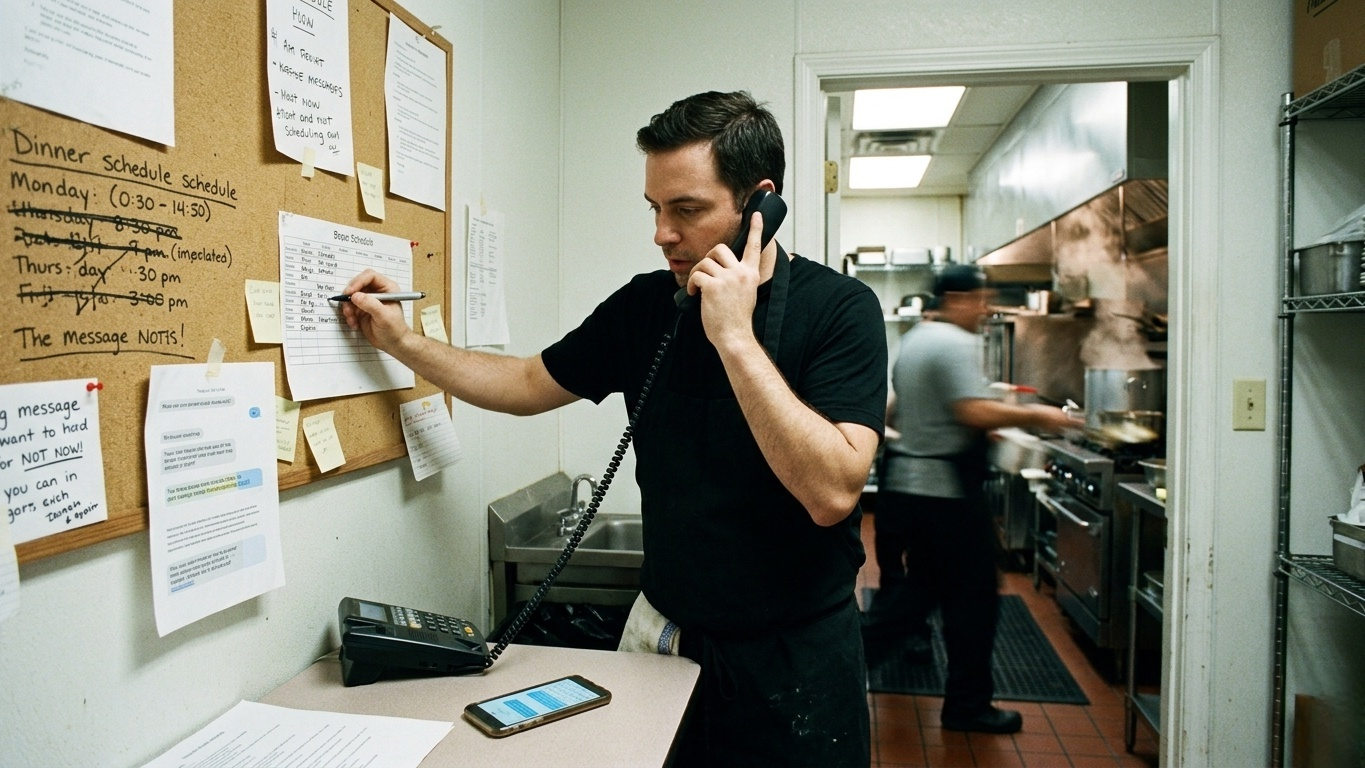
A coworker calls in sick an hour before dinner service. Someone accidentally gets double-booked. A bartender suddenly needs a weekend covered. Before long, the entire staff is buried in text messages, group chats, and last-minute calls trying to keep the schedule from collapsing.
For restaurant workers, hotel staff, baristas, and catering teams, shift coordination can easily become a second unpaid job. Thankfully, most workplaces have moved far beyond paper schedules taped to a breakroom wall.
Today’s scheduling apps make it much easier to swap shifts, request coverage, communicate with coworkers, and keep managers informed without endless back-and-forth messaging.
To find the best options currently available, we tested several scheduling platforms commonly used across restaurants, hotels, cafés, and hospitality businesses. We focused on the things that actually matter in real-world hospitality environments: fast communication, reliable mobile notifications, easy shift-swapping workflows, and overall Android usability.
Here are four scheduling apps that stand out in 2026.
1. 7shifts — Best Overall for Restaurants and Hospitality Teams(iOS/Android)
Pricing: Free for employees; employer subscription required
7shifts feels like it was built by people who have actually worked restaurant jobs before.
Unlike more generic workforce-management platforms, almost every part of the app is designed around restaurant and hospitality scheduling. Servers, bartenders, hosts, kitchen staff, and managers all have slightly different scheduling needs, and 7shifts handles those differences surprisingly well.
The feature that stood out most during testing was the Shift Pool system.
Instead of texting individual coworkers asking for coverage, employees can post a shift directly into an open pool where qualified team members receive notifications. Managers can then approve the swap with minimal back-and-forth communication.
That qualification system matters more than it sounds. A server cannot accidentally pick up a bartender shift they are not trained for, and the app can flag potential overtime conflicts before the schedule becomes a problem.
The built-in messaging system is also genuinely useful. Rather than forcing workers to bounce between separate apps, schedule updates, team chats, and shift details all stay inside one platform.
For hospitality teams with constantly changing schedules, that simplicity helps a lot.
What Works Well
Excellent shift-swapping system
Built specifically for restaurants and hospitality teams
Strong communication tools built into the app
Clear weekly hours and earnings visibility
Good role-based scheduling controls
Downsides
Requires employer adoption to be useful
Some screens can feel slightly slow on older Android devices
Advanced business features are tied to higher subscription tiers
If your workplace already uses 7shifts, there is a good chance it will dramatically reduce scheduling chaos compared to traditional texting workflows.
2. When I Work — Best for Flexible Shift Swaps(iOS/Android)
Pricing: Free for employees; business subscription required
When I Work is one of the most widely used scheduling apps across hospitality and retail for a reason: it is straightforward and easy to learn.
The app handles the basics very well. Employees can view schedules, request time off, swap shifts, message coworkers, and clock in directly from their phones.
What makes it especially useful for hospitality workers is how flexible the swap system feels.
During testing, we could either request a direct trade with a specific coworker or post the shift publicly for anyone qualified to claim. That flexibility is helpful when you either need coverage quickly or want to maintain your total hours.
The push notifications are also impressively fast. In several test scenarios, shift openings reached coworkers within seconds, which matters a lot when restaurants are scrambling to fill last-minute gaps before service starts.
The interface deserves credit too. Some scheduling apps feel overly corporate or cluttered, but When I Work keeps the calendar layout clean and easy to understand at a glance.
What Works Well
Easy-to-use scheduling interface
Fast shift-swap notifications
Flexible trade and drop options
Mobile clock-in support
Good balance between simplicity and features
Downsides
Notifications can become excessive without customization
Occasional synchronization delays
Some advanced scheduling tools are manager-focused rather than employee-focused
For cafés, hotels, catering teams, and mid-sized hospitality businesses, When I Work strikes a very practical balance.
3. Shiftease — Best for Small Hospitality Teams(iOS/Android)
Pricing: Free for smaller teams; paid upgrades available
Not every restaurant or café needs enterprise-level workforce software.
For smaller businesses, overly complicated scheduling systems can actually create more problems than they solve. That is where Shiftease works surprisingly well.
The app focuses on keeping scheduling simple, fast, and lightweight. During testing, small teams could get fully set up in just a few minutes without complicated onboarding.
One particularly useful feature is skills-based scheduling. Managers can assign tags like “Barista,” “Kitchen Prep,” or “First Aid Certified,” ensuring that only relevant staff members receive notifications for specific shifts.
That cuts down significantly on notification spam for employees who are not actually qualified for certain roles.
The multilingual support is another strong point, especially for restaurants or hotels with diverse teams. The app automatically adapts to the phone’s language settings, which helps reduce confusion among staff members who prefer different languages.
What Works Well
Very easy setup process
Good fit for smaller teams
Skills-based shift notifications
Helpful multilingual support
Lightweight and responsive mobile app
Downsides
Fewer advanced management tools
Less suitable for large corporate operations
Reporting features are more basic than competitors
For independent restaurants, coffee shops, and smaller hospitality businesses, Shiftease feels refreshingly uncomplicated.
4. Deputy — Best for Large Hospitality Operations(iOS/Android)
Pricing: Free for employees; employer subscription required
Deputy is one of the more enterprise-focused platforms on this list, and you can feel that immediately when using it.
The app is commonly used by hotels, stadiums, large restaurant groups, and hospitality chains that need more advanced workforce management features.
While that corporate structure can make the interface feel denser than competitors, it also brings some real advantages.
One of the most useful features during testing was the app’s compliance awareness. When requesting swaps or schedule changes, Deputy automatically checks for conflicts involving overtime limits, rest periods, or scheduling rules before managers even review the request.
That reduces a lot of unnecessary back-and-forth.
Deputy also integrates tasks directly into shifts. If someone picks up your shift, managers can attach prep lists, cleaning duties, or operational notes directly to the schedule entry itself.
The app feels particularly strong for businesses managing large rotating staffs across multiple departments.
What Works Well
Excellent for large hospitality operations
Strong compliance and overtime protections
Reliable scheduling stability
Useful task management integration
Good calendar syncing support
Downsides
More complex interface
Can feel overly corporate for small teams
Slightly steeper learning curve
For large hotels, event venues, or multi-location restaurant groups, Deputy offers some of the strongest workforce-management tools available.
The Final Verdict
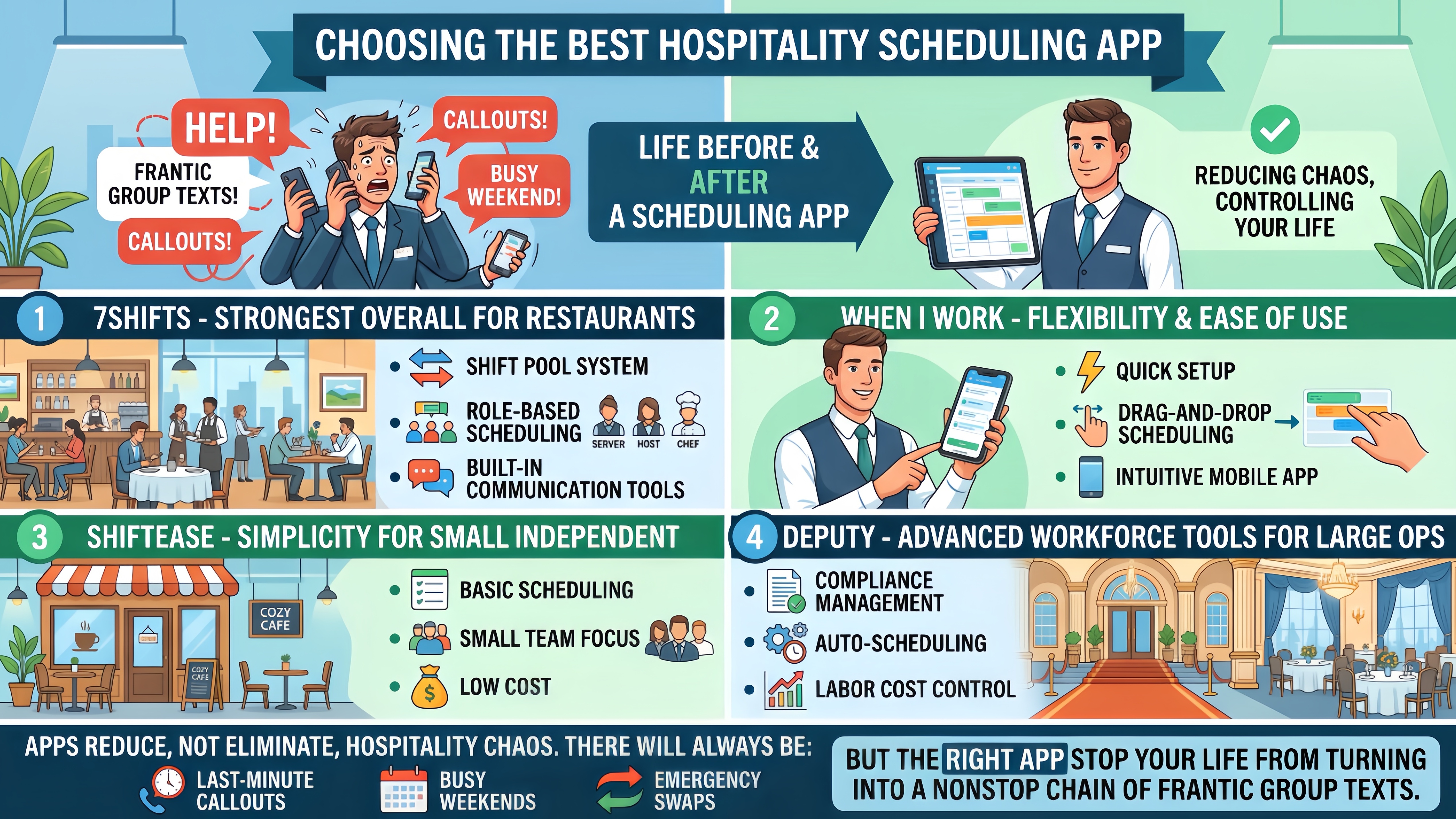
The best scheduling app depends heavily on the size and style of your workplace.
For restaurants and hospitality teams specifically, 7shifts remains the strongest overall option. Its Shift Pool system, role-based scheduling, and built-in communication tools make day-to-day schedule management dramatically less stressful.
If flexibility and ease of use matter most, When I Work is an excellent all-around choice.
Smaller independent businesses may prefer the simplicity of Shiftease, while larger hospitality operations will likely benefit from Deputy’s more advanced workforce tools.
No scheduling app can completely eliminate the chaos of hospitality work. There will always be last-minute callouts, busy weekends, and emergency swaps. But the right app can at least stop your entire life from turning into a nonstop chain of frantic group texts.





