

From Label Scanning to Food Pairing: The Ultimate Wine Tracker Apps We Recommend
Every wine collector starts with good intentions. A few bottles for “special occasions.” Maybe a nice Cabernet tucked away for a future dinner party. Then, somehow, the collection grows legs. Bottles pile up faster than expected, labels disappear behind dusty racks, and before long you’re standing in front of your cellar wondering, Did I already drink that Barolo… or was I saving it?
Wine collecting is emotional. It’s tied to travel memories, celebrations, spontaneous restaurant discoveries, and the occasional bottle you absolutely should not have opened on a random Tuesday night. The best wine apps understand that. They don’t just count bottles — they help you remember what you loved, what’s ready to drink, and where that one expensive Burgundy is hiding before you accidentally bury it behind six bottles of supermarket Pinot Noir.
After testing the biggest wine-tracking apps across iOS and Android, a few stood out immediately. Some excel at inventory precision. Others shine as tasting journals or label scanners. A couple feel more like professional cellar-management software disguised as mobile apps. Here are the ones genuinely worth your time.
CellarTracker (iOS, Android)
What actually makes it great?
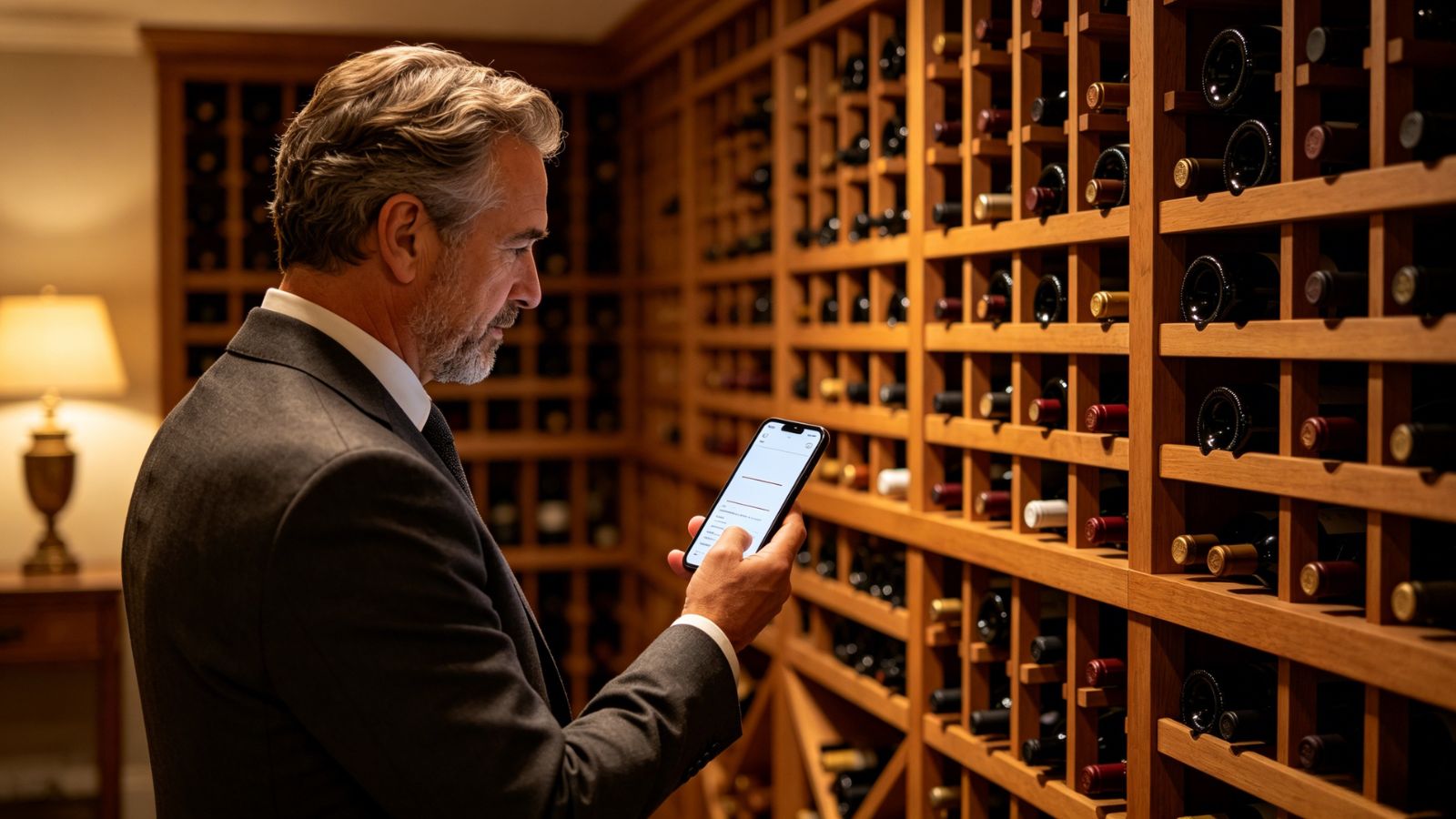
CellarTracker has been around forever in wine terms, and there’s a reason serious collectors still swear by it. The app isn’t trying to impress you with flashy animations or lifestyle branding. It’s built to answer one question extremely well: What should I drink, and when should I drink it?
That’s where its community-driven database becomes incredibly useful.
Scan a bottle, and you instantly see tasting notes, drinking windows, maturity updates, and opinions from thousands of other collectors who opened the exact same vintage. Not a similar wine. The same bottle sitting in your rack right now.
That kind of real-world data is gold when you’re debating whether to uncork something valuable or let it rest another two years.
The inventory tools are equally strong. You can organize bottles by rack, bin, purchase source, value, and drinking status without the app feeling overly complicated once you learn the system.
Pros
Massive wine database with deep historical information
Extremely useful crowd-sourced tasting notes and aging guidance
Excellent inventory and barcode management tools
Strong valuation tracking for collectors and investors
Cons
The interface still feels a little old-school and data-heavy
Advanced analytics and cellar-management features require a paid subscription
InVintory (iOS, Web)
What actually makes it different?
InVintory is what happens when someone takes wine collecting and gives it modern luxury-app treatment.
The standout feature is its 3D cellar mapping system. Instead of scrolling endlessly through a spreadsheet-style list, you can build a digital replica of your actual wine storage setup — shelves, racks, fridges, bins, everything. Tap a bottle, and the app shows you exactly where it lives physically.
Sounds excessive until you’re crouched in a cold cellar moving twelve bottles around trying to find one Napa Cabernet.
The visual design is gorgeous, but it’s not just pretty for the sake of being pretty. The app genuinely makes large collections easier to manage. It also integrates well with temperature and humidity monitoring tools, which matters if you’re storing expensive wine long term.
Pros
Beautiful, intuitive interface
Excellent 3D cellar visualization tools
Great import tools for migrating existing collections
Strong reporting features for insurance and valuation purposes
Cons
Premium features get expensive quickly
Smaller wineries sometimes require manual entry
Vivino (iOS, Android)
What actually keeps people using it?
Vivino owns the casual wine space for one simple reason: the scanner is ridiculously good.
Take a blurry photo of a bottle in a dim restaurant and, nine times out of ten, Vivino figures it out instantly. Then it pulls up ratings, tasting notes, average prices, and flavor profiles within seconds.
That convenience changes behavior. People who would never normally track wine suddenly start logging bottles because it feels effortless.
Vivino also does an impressive job learning your preferences over time. Rate enough wines, and the app starts recognizing patterns in your taste — bold reds, high-acid whites, earthy Pinot Noirs, buttery Chardonnay, whatever you naturally gravitate toward.
The downside? It leans heavily into commerce. Sometimes the app feels less like a tasting journal and more like a storefront trying to sell you another case before you’ve even finished your current bottle.
Pros
Best label scanner in the category
Easy, beginner-friendly interface
Smart taste-preference recommendations
Core features remain free
Cons
Weak cellar-management functionality
Frequent shopping prompts and ads can become distracting
Enolisa (iOS, Android)
What actually stands out?
Enolisa feels quieter than most wine apps — and that’s exactly why some people will love it.
There’s no noisy social feed. No endless public ratings battle. No pressure to perform wine expertise online. The app focuses almost entirely on your personal tasting history and how your palate evolves over time.
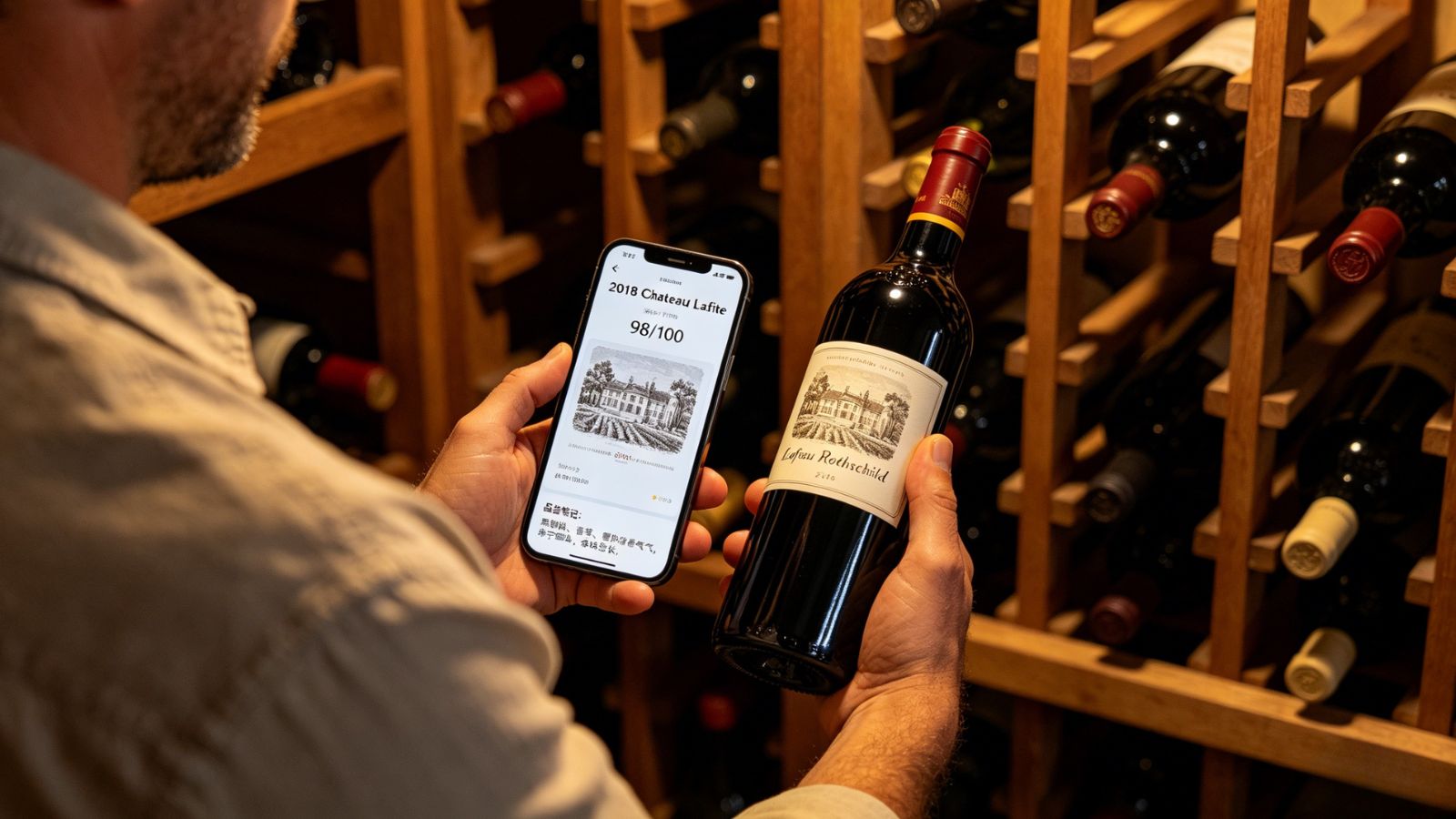
Its AI-powered recommendation system works surprisingly well because it studies your private tasting notes instead of generic popularity rankings. The more you log, the more tailored the suggestions become.
One especially smart touch: the app can translate casual tasting descriptions into structured flavor patterns. Write something vague like “smooth, spicy, kind of smoky,” and Enolisa gradually turns those habits into a more refined taste profile behind the scenes.
It feels personal rather than performative.
Pros
Clean, distraction-free experience
Strong AI-driven palate tracking
Beautiful mobile interface
Helpful maturity and storage reminders
Cons
Minimal community interaction by design
Premium upgrade required for advanced AI features and unlimited scanning
VinoCell (iOS)
Who is this really for?
VinoCell is for the spreadsheet people. The detail obsessives. The collectors who want control over absolutely everything.
And honestly? That level of customization is impressive.
You can manually track purchase prices, bottle location, grape composition, critic scores, tax details, storage zones, and just about any other variable imaginable. It’s less of a casual wine app and more of a full inventory-management system built specifically for collectors.
Unlike many modern apps, VinoCell also works beautifully offline, which becomes surprisingly important if your cellar lives underground with terrible reception.
The tradeoff is obvious: setup takes time. A lot of time. This is not the app you casually download while drinking rosé at brunch.
Pros
One-time purchase instead of recurring subscriptions
Extremely detailed inventory customization
Excellent offline functionality
Powerful sorting and filtering tools
Cons
Steep learning curve
iOS only
Final Verdict
For most wine enthusiasts — especially people managing a growing collection — CellarTracker still offers the best overall balance.
Vivino is fantastic for spontaneous restaurant discoveries. InVintory delivers arguably the most beautiful cellar experience on the market. VinoCell gives hardcore collectors near-total control. But CellarTracker consistently feels like the app that understands wine ownership at every level, from casual collectors to serious investors.
More importantly, it helps prevent the two things every wine lover regrets: opening a great bottle too early… or forgetting about it until it’s too late.





