

Dorms and Directions: The Best Apps for College Freshmen Finding Their Footing on Campus
Starting college feels exciting right up until the moment you actually arrive.
Then reality kicks in.
Suddenly you're standing in the middle of a campus the size of a small city, staring at a map that somehow makes less sense the longer you look at it. Your first class starts in eight minutes. "Building A" turns out to be nowhere near "Hall A." You're carrying half your life in a backpack, trying not to look lost while quietly wondering if everyone else already has this figured out.
And then there’s dorm life. Tiny rooms. Shared spaces. A complete stranger living three feet away from you.
The funny thing? Freshman stress usually isn’t about coursework at first. It’s survival. Figuring out where to go, who to talk to, and how to avoid feeling like you accidentally walked into someone else’s life.
So instead of looking at generic student apps and university admin tools, we focused on platforms that solve the two problems nearly every freshman runs into: navigating campus without getting hopelessly turned around and building connections before isolation—or roommate chaos—starts creeping in.
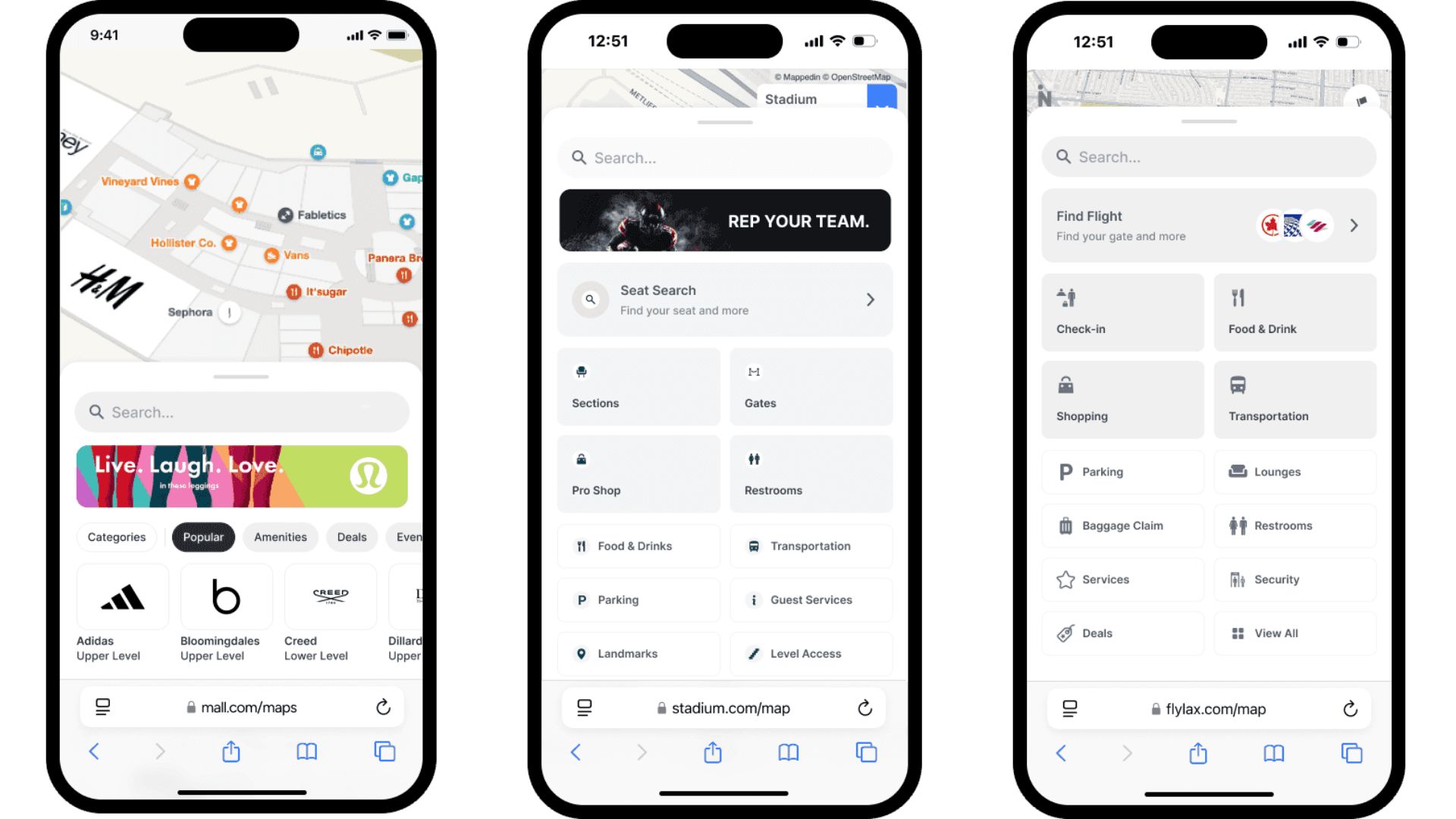
1. CampusNav (by Jonah Blackmon)
OS Availability: iOS
Pricing Model: Completely free
The Reality Check
Traditional map apps are great when you're driving across town. College campuses? Different story.
Google Maps might get you to the general area, but it rarely understands campus logic—the unofficial shortcuts, courtyard paths, cut-through hallways, or those oddly hidden side entrances students discover after a few weeks.
CampusNav was built around the way students actually move.
Instead of treating campus like a collection of roads and parking lots, it maps pedestrian routes: the shortcuts through academic buildings, the diagonal paths cutting across the quad, and the routes that save precious minutes between back-to-back classes.
Because let’s be honest: ten minutes between classes feels generous until one professor dismisses late and your next lecture sits on the opposite side of campus.
Pros & Cons
Pros:
· Includes pathways and shortcuts ignored by standard navigation apps
· Lightweight and fast-loading while walking between classes
· Tracks student events, clubs, and campus activities in one place
Cons:
· iPhone users only; Android students are out of luck
· Construction updates and temporary route changes occasionally take time to appear
2. Bunky: College Roommates
OS Availability: iOS (Bunky LLC), Android alternatives through the Roomsurf ecosystem
Pricing Model: Free basic tier / Premium options available
The Reality Check
Roommates can make college better. They can also make it... memorable for all the wrong reasons.
Anyone who's heard dorm horror stories knows the pattern. One person sleeps at 9 p.m.; the other starts gaming at midnight. One likes spotless spaces. The other thinks laundry belongs on the floor indefinitely.
Universities still rely heavily on basic surveys and random assignments, but Bunky takes a different approach.
The app works almost like roommate matchmaking. Instead of checking vague boxes, you filter by things people actually care about: sleep habits, cleanliness, study preferences, social energy, and lifestyle compatibility.
And there’s one smart touch: conversations only happen when both people choose to connect. No awkward cold messages. No random introductions.
Just two students deciding, "Yeah, I think we could survive sharing 200 square feet together."
Pros & Cons
Pros:
· Large network of verified students across hundreds of campuses
· Profiles go beyond basic housing questionnaires
· Useful later for off-campus housing and sublease searches
Cons:
· Some of the best visibility tools sit behind premium upgrades
· Performance hiccups occasionally appear during busy orientation seasons
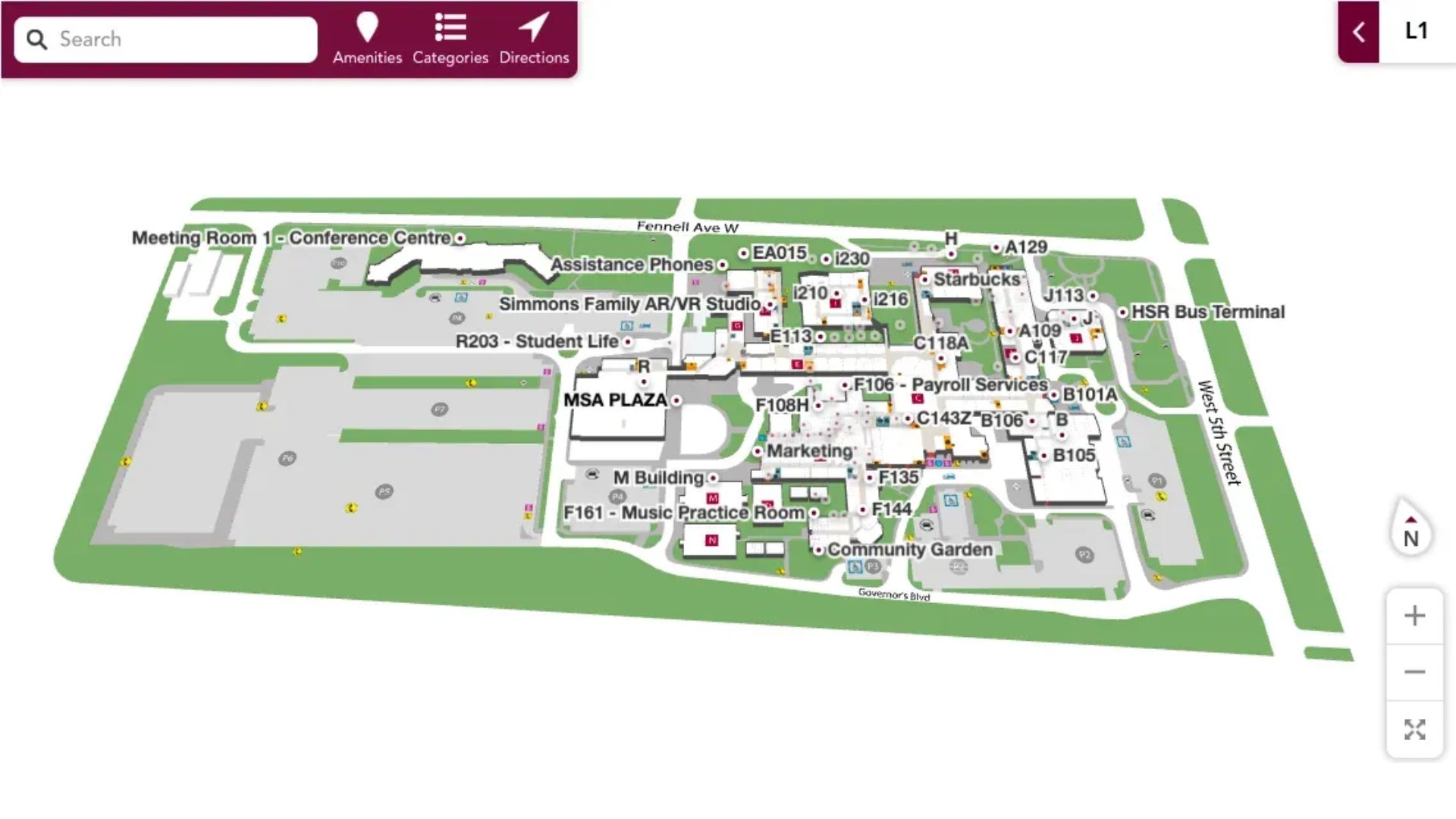
3. MeetYourClass
OS Availability: iOS, Web
Pricing Model: Free with optional premium features
The Reality Check
One of the hardest parts of college isn't academics. It's walking into a place where everyone starts as a stranger.
MeetYourClass tries to solve that before move-in day even happens.
Instead of showing up to orientation cold, students can connect with future classmates ahead of time, join school-specific discussions, ask housing questions, and start building familiarity before stepping onto campus.
Its verification process is surprisingly strict—and that's a good thing. Students typically need school credentials or proof of enrollment before gaining access to campus communities.
That extra step creates a safer environment and filters out fake accounts, spam, and random outsiders.
Sometimes college feels less intimidating when you already recognize a few names before you arrive.
Pros & Cons
Pros:
· Strong student verification keeps communities authentic
· Integrates with class-based social channels and communities
· Includes useful extras like GPA calculators and scheduling tools
Cons:
· The social-media-style layout can feel distracting if you want something more functional
· Smaller schools may have lower activity levels than major universities
The Final Verdict
For freshmen trying to make the leap from high school life to campus life, Bunky earns the strongest overall recommendation, while CampusNav is almost a must-have companion for iPhone users.
Maps help you find classrooms. That's useful.
But feeling comfortable? Feeling settled? That usually starts where you live.
A bad roommate situation can quietly shape your entire first semester. Sleep suffers. Stress builds. Suddenly your dorm becomes a place you avoid instead of somewhere you recharge.
Bunky stands out because it removes some of the randomness from one of college's biggest unknowns. It gives students a chance to find compatibility before move-in day—and that little bit of control can make a huge difference.
Because freshman year already comes with enough surprises. Your roommate probably shouldn't be one of them.





