

Coding on the Go: 3 Android Editors That Actually Hold Up
There is a big difference between casually viewing code on your phone and actually developing with it.
Most mobile coding apps look impressive in screenshots, but the moment you try to open a real project, everything falls apart. Large files lag, Git support feels half-finished, and simple tasks like navigating folders or editing multiple files become frustrating surprisingly quickly.
That matters because modern developers are increasingly expected to stay flexible. Maybe you are reviewing a pull request during a commute, fixing a production issue while traveling, or making quick edits from a tablet without access to your main workstation. In those moments, you do not need a glorified notes app pretending to be an IDE. You need something fast, stable, and genuinely usable.
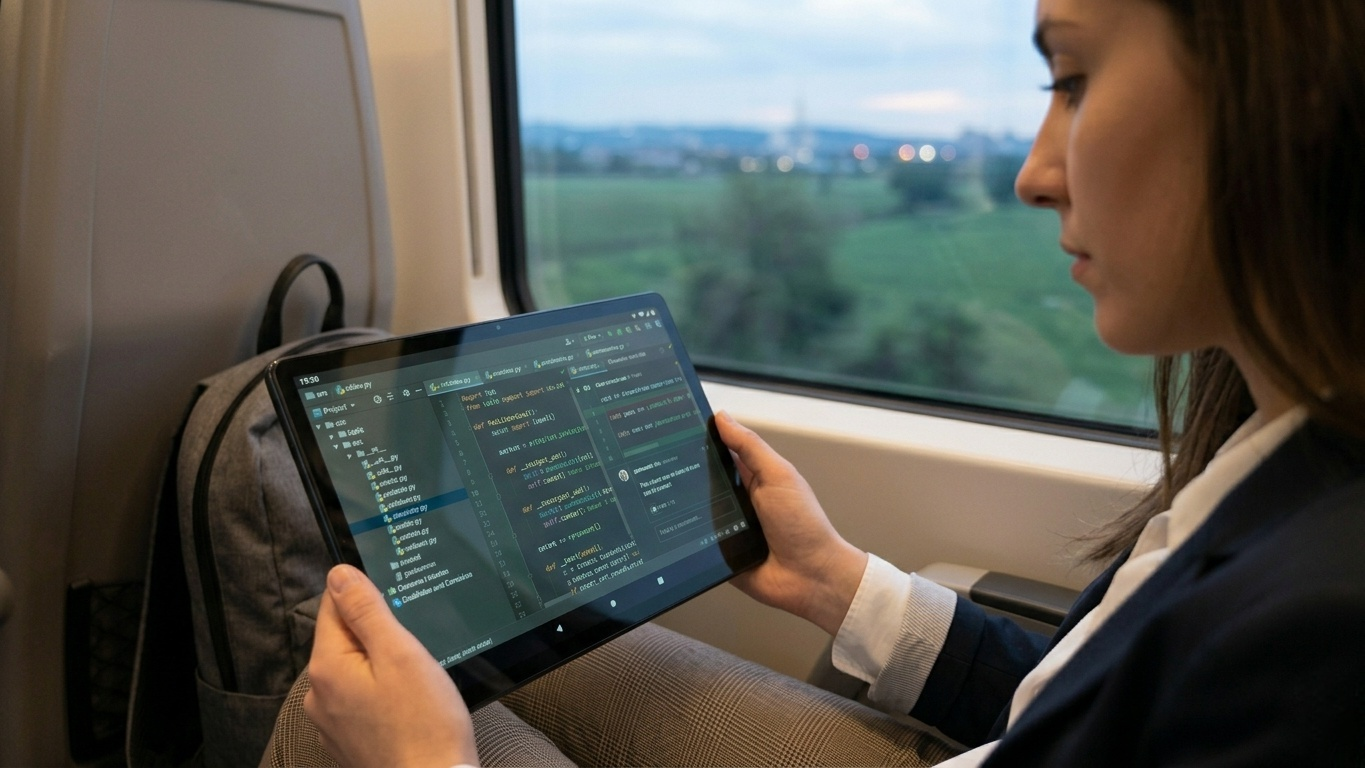
To find out which Android coding tools actually hold up in real-world situations, we spent several weeks testing popular editors available on the Google Play Store. We focused on performance, Git integration, offline usability, syntax support, and overall practicality for mobile development workflows.
The apps below are not full desktop replacements. But they are good enough to let you write, review, and manage real code when your laptop is not nearby.
1. Acode — Best Overall Lightweight Mobile Code Editor(iOS/Android)
Pricing: Free with ads / inexpensive one-time Pro upgrade
Acode has quietly become one of the strongest code editors available on Android, especially for developers who prioritize speed and simplicity.
The first thing that stands out is performance. Even when opening large JavaScript projects and multi-file directories, the editor remains responsive. Scrolling through long files feels smooth, syntax highlighting loads quickly, and switching between tabs does not introduce noticeable lag on modern Android devices.
Unlike many mobile editors that aggressively push cloud workflows, Acode works comfortably with local storage. You can browse device folders directly, edit files stored offline, and even work from external storage without constantly fighting permissions or account requirements.
That flexibility makes it feel much closer to a traditional desktop text editor than many of its competitors.
The app also supports a surprisingly large number of programming languages, including Python, JavaScript, TypeScript, HTML, CSS, C++, PHP, and Java. Theme customization and plugin support add extra flexibility for developers who want a more personalized setup.
One thing worth clarifying: Acode itself does not include a fully integrated terminal environment. Many developers pair it with apps like Termux for command-line workflows.
What Works Well
Fast and lightweight even with larger projects
Excellent local file management support
Wide language compatibility
Useful plugin and theme ecosystem
No mandatory account creation
Downsides
Git functionality is more limited than desktop editors
No built-in terminal by default
Some advanced features require plugins
For developers who mainly want a reliable mobile editor that stays out of the way, Acode is probably the easiest recommendation overall.
2. Spck Editor — Best for Git-Based Workflows(iOS/Android)
Pricing: Free with optional premium features
Spck Editor feels like it was designed specifically for developers who live inside Git repositories.
While many Android editors treat version control as a secondary feature, Spck makes it central to the experience. During testing, cloning repositories, editing files, reviewing changes, and pushing commits all worked surprisingly smoothly from a phone.
The app integrates directly with GitHub and supports offline editing, which makes it useful for quick fixes or reviewing changes while traveling.
One of its best features is the custom coding keyboard row. Mobile coding usually becomes frustrating because symbols like brackets, slashes, and indentation controls are buried behind multiple taps. Spck solves that problem with developer-focused shortcuts that noticeably speed up typing.
The editor also includes built-in preview tools for web projects. If you are working on frontend development, being able to instantly preview HTML, CSS, or JavaScript changes without leaving the app is genuinely convenient.
Autocomplete support is another strong point, especially for JavaScript and TypeScript projects.
What Works Well
Strong built-in Git integration
Excellent coding keyboard shortcuts
Smooth repository cloning and commits
Useful live preview tools for web development
Good autocomplete support
Downsides
Local file browsing can feel restrictive
Some AI-assisted tools are subscription-only
Better suited to web workflows than backend-heavy development
If your workflow revolves around GitHub repositories and frontend code, Spck is arguably the most practical mobile coding environment currently available on Android.
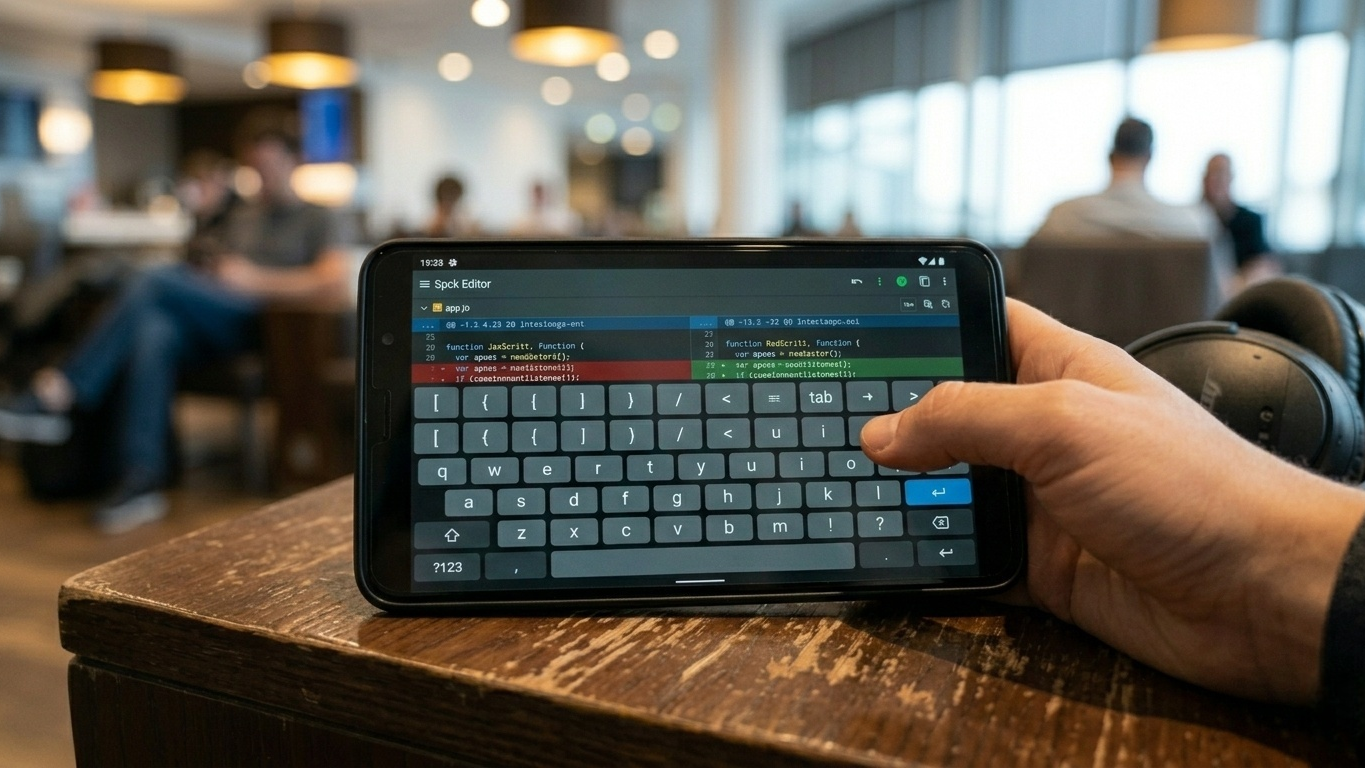
3. Codeflash — Best for Large Files and Offline Editing(iOS/Android)
Pricing: Free
Codeflash is less well known than some of the bigger mobile editors, but it impressed us with one thing above all else: raw file-handling performance.
Many mobile editors struggle once files become extremely large. Codeflash handled large scripts and lengthy source files far more comfortably than expected, with smooth rendering and responsive navigation even under heavier workloads.
The app is heavily optimized for offline use, which makes it particularly useful during travel or unreliable internet situations. Unlike cloud-first editors, Codeflash feels designed around local editing rather than syncing everything constantly to external services.
For web developers, the built-in browser preview tools are especially helpful. During testing, we could quickly inspect layout changes, preview responsive behavior, and make frontend tweaks without needing an external browser setup.
The floating shortcut keyboard also deserves credit. On mobile devices, reducing extra taps matters more than people realize, and Codeflash handles symbol-heavy typing reasonably well.
That said, the app is still more of an editor than a complete development environment. You are not going to run complex backend infrastructure from it.
What Works Well
Excellent performance with large files
Fully usable offline
Helpful browser preview tools
Free without aggressive paywalls
Lightweight and responsive
Downsides
Limited backend tooling
Smaller ecosystem than more established editors
UI design feels less polished than competitors
For developers who prioritize offline editing and raw responsiveness, Codeflash is a surprisingly capable option.
What About Full Mobile IDEs?
A few Android apps attempt to replicate full desktop IDE experiences, including terminal access, compilers, and framework support. Some are genuinely ambitious, but many become unstable or overly complicated on smaller screens.
For most developers, mobile coding works best when treated as a companion workflow rather than a complete workstation replacement.
Tasks that mobile editors handle well include:
Reviewing pull requests
Editing configuration files
Fixing small bugs
Writing frontend code
Taking development notes
Managing repositories on the move
More demanding tasks like large-scale debugging, container management, or running heavy local environments still feel significantly better on desktop systems.
The Final Verdict
The best Android code editor depends heavily on how you work.
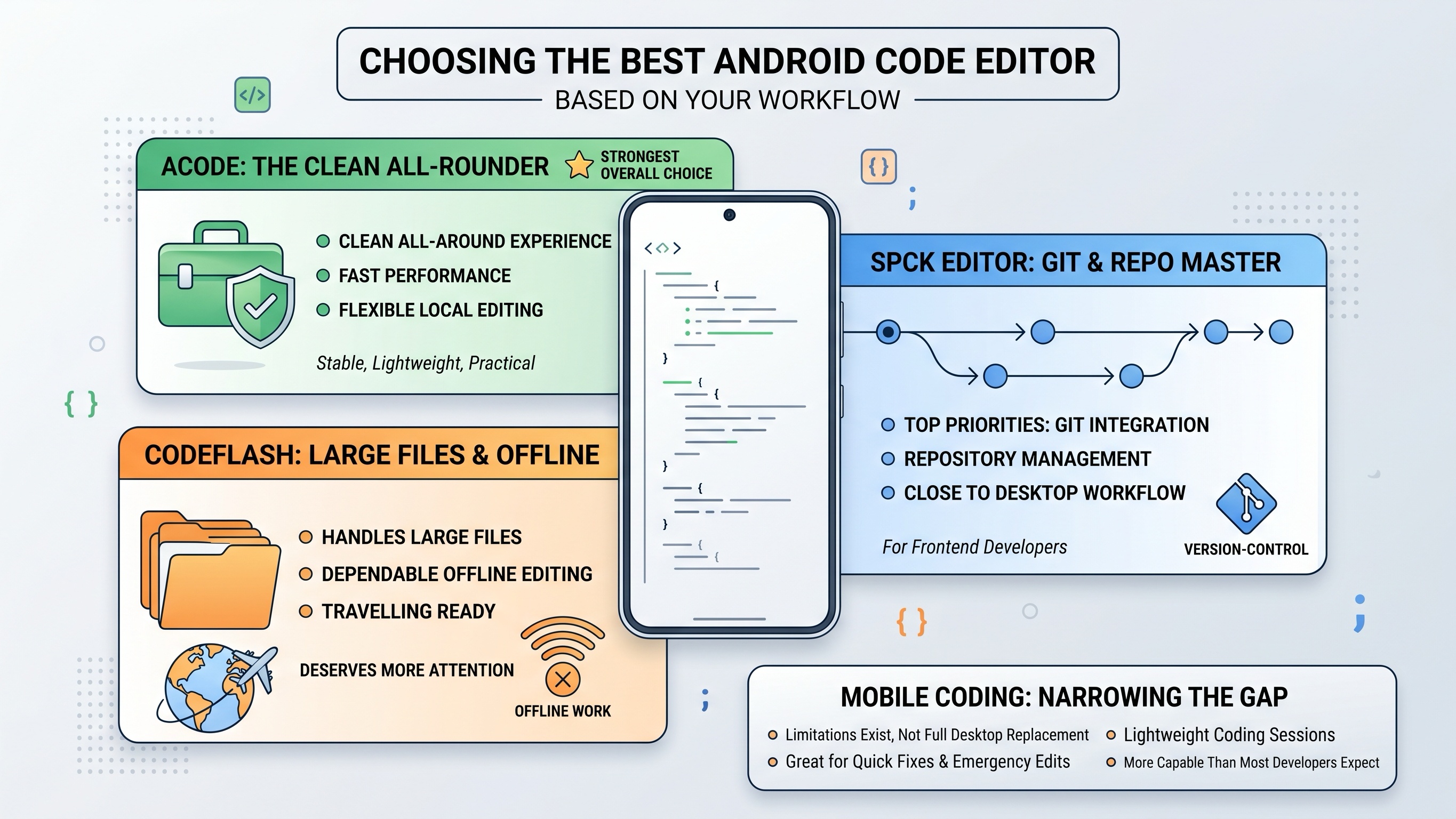
If you want the cleanest all-around experience with fast performance and flexible local editing, Acode remains the strongest overall choice. It feels stable, lightweight, and practical without overwhelming you with unnecessary complexity.
If Git integration and repository management are your top priorities, Spck Editor stands out. Its workflow feels surprisingly close to real desktop version-control management, especially for frontend developers.
And if you regularly handle large files or need dependable offline editing while traveling, Codeflash deserves far more attention than it currently gets.
Mobile development still has limitations, and no Android editor fully replaces a desktop IDE. But compared to just a few years ago, the gap has narrowed dramatically. For quick fixes, emergency edits, and lightweight coding sessions, today’s mobile editors are far more capable than most developers expect.





