

Bluetooth Trackers vs Ecosystem Networks: Which Works Better?
Why Lost Earbuds Are So Hard to Track Down (Especially When Dead)
Losing wireless earbuds is one of those tiny, endlessly frustrating modern tech headaches. One second they’re tucked in your pocket, backpack, couch cushions, or gym bag. The next? They’re completely gone.
The trouble gets far worse when your earbuds run out of battery. Most basic Bluetooth tracking tools only work with an active wireless connection. Once your headphones die, those standard tracking methods stop working entirely.
Truly useful headphone-finding apps go way beyond simple Bluetooth scanning. They log last-seen locations, tap into crowdsourced device networks, show real-time proximity cues, and can even help you track down earbuds that have gone offline.
We curated this guide using fully functional, publicly available apps on the Apple App Store and Google Play. We evaluated every tool based on live Bluetooth detection, offline location tracking, dead-device support, real-world accuracy, ease of use, platform compatibility, and clear, honest pricing.
One critical truth to keep in mind upfront: No app can track standard Bluetooth headphones after they power off — unless the device itself supports a dedicated manufacturer tracking network. This key detail separates basic scanner apps from premium ecosystem tools.
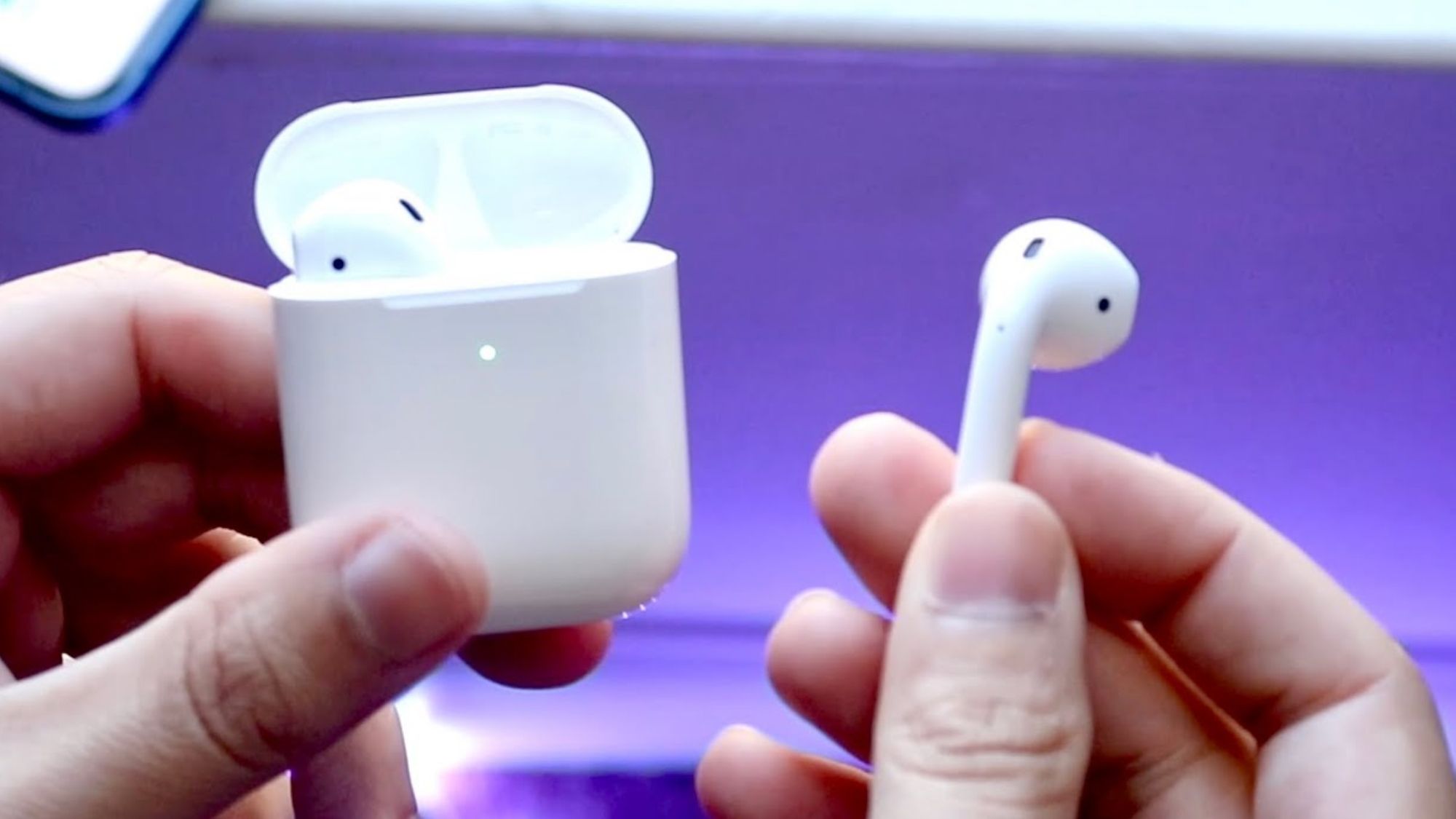
Find My (Apple) – Best for AirPods & Beats
Availability: iPhone
Pricing: Free
How It Actually Performs
Apple’s Find My network remains the gold standard for anyone who owns AirPods or compatible Beats headphones. No other consumer tracking system comes close to its reliability and reach.
Modern AirPods models — including the second-gen AirPods Pro and all newer Find My-enabled variants — tap into Apple’s massive global crowdsourced network. Even if you’re nowhere near your missing earbuds, nearby Apple devices can silently send updated location data straight to your account.
Many supported AirPods stay connected to this network for a window of time after you lose them. In some cases, even the charging case itself remains trackable, depending on the exact model.
The toolkit covers every scenario users face: saved last-known locations, precision in-person locating, separation alerts to prevent loss in the first place, directional on-screen guidance, and full crowdsourced network support. This is one of the only tools that still works long after your earbuds disconnect from your phone.
Pros
Completely free with all Apple devices
Industry-leading location accuracy
Unmatched global crowdsourced tracking network
Precision Finding for pinpoint, room-level detection
Full support for AirPods and modern Beats hardware
Seamless, built-in iOS integration — no extra downloads needed
Cons
Exclusive to the Apple ecosystem
Peak performance only works with official Apple/Beats hardware
Offers minimal functionality for generic older Bluetooth headphones
Best For
Anyone who uses AirPods or compatible Beats wireless headphones.
Find My Device (Android)
Availability: Android
Pricing: Free
How It Actually Performs
Google has massively upgraded its native tracking system in recent years, turning Find My Device into a reliable tool for Android headphone users.
For headphones built to support Google’s official tracking ecosystem, users can view precise last-known locations and receive ongoing updates from Android’s crowdsourced device network — even when they’re not nearby.
Performance varies drastically by hardware, though. Newer Google-certified earbuds deliver consistent, solid tracking results. Generic off-brand Bluetooth headphones rarely unlock the full feature set. It works best for Pixel Buds and other modern Android-compatible accessories.
Pros
100% free for all Android users
Deep native integration with Android devices
Fast-growing crowdsourced global network
Zero complex setup required
Dependable last-location logging for supported gear
Cons
Feature support is highly inconsistent across different headphone brands
Basic generic Bluetooth earbuds get almost no smart tracking features
Network coverage still lags behind Apple’s in many regional areas
Best For
Android users with Google ecosystem-compatible headphones and smart accessories.
Wunderfind (iOS & Android)
Availability: iPhone, Android
Pricing: Free base version; premium upgrades available via one-time or in-app purchases
How It Actually Performs
Wunderfind is the most popular standalone Bluetooth finder app on the market, and for good reason. Unlike Apple or Google’s native tools, it isn’t locked to specific brands or ecosystem hardware.
It works simply: the app scans your surroundings for active Bluetooth devices and displays real-time signal strength. As you move closer to your missing earbuds, the signal spikes. Move away, and it drops. This intuitive system makes it incredibly easy to pinpoint earbuds hidden under couch cushions, between car seats, or buried in messy laundry piles.
That said, it has a hard limit. Wunderfind only detects headphones with an active battery and broadcasting Bluetooth signal. It cannot locate dead or fully offline devices.
Pros
Works with nearly all Bluetooth headphone brands
Cross-platform support for iOS and Android
Simple, visual signal-strength interface
Extremely effective for close-range indoor searches
Tracks other Bluetooth gear beyond just headphones
Cons
Completely useless for dead, unpowered headphones
Limited strictly to nearby Bluetooth range
No crowdsourced network for remote recovery
Best For
Anyone who knows their earbuds are nearby but just can’t spot them visually.
Bluetooth Finder (iOS&Android)
Availability: iPhone, Android
Pricing: Free download with optional premium upgrades
How It Actually Performs
Bluetooth Finder focuses entirely on simple, effective proximity detection for iPhone users. It mirrors Wunderfind’s core functionality with a streamlined, beginner-friendly design.
It quickly scans for nearby Bluetooth devices and displays clear signal strength metrics to guide your movement. It excels at locating recently misplaced, powered-on earbuds inside your home, office, or vehicle.
It shares the same key limitation as all basic Bluetooth scanners: once your headphones die or go offline, the app has no way to track them.
Pros
Ultra-clean, easy-to-learn interface
Fast, reliable Bluetooth scanning
Perfect for short-range indoor searches
Clear visual cues to narrow down device location
Cons
Requires an active Bluetooth signal to work
No offline or dead-device tracking capabilities
Less powerful than native ecosystem tracking tools
Best For
iPhone users hunting for recently lost earbuds within close Bluetooth range.
Find My Headphones & Earbuds (Android)
Availability: Android
Pricing: Free base version with optional premium features
How It Actually Performs
Android users have no shortage of Bluetooth scanner apps, but this one stands out for its consistent performance and user-friendly design. It scans your surrounding area for active Bluetooth headphones and uses fluctuating signal strength to guide your search.
The process is straightforward: walk slowly around your space while watching the signal meter. A rising signal means you’re getting closer. A dropping signal means you’re moving away. It works surprisingly well for powered-on earbuds hidden around your home or car.
Unfortunately, it offers zero help once your earbuds lose battery power and stop broadcasting.
Pros
Built specifically for Android devices
No complicated setup or configuration
Reliable signal-strength guidance for local searches
Compatible with most third-party Bluetooth headphones
Cons
Cannot track dead or offline earbuds
Restricted to standard Bluetooth range
Advanced tools sit behind a premium paywall
Best For
Android users searching for nearby, powered-on misplaced earbuds.
Final Verdict
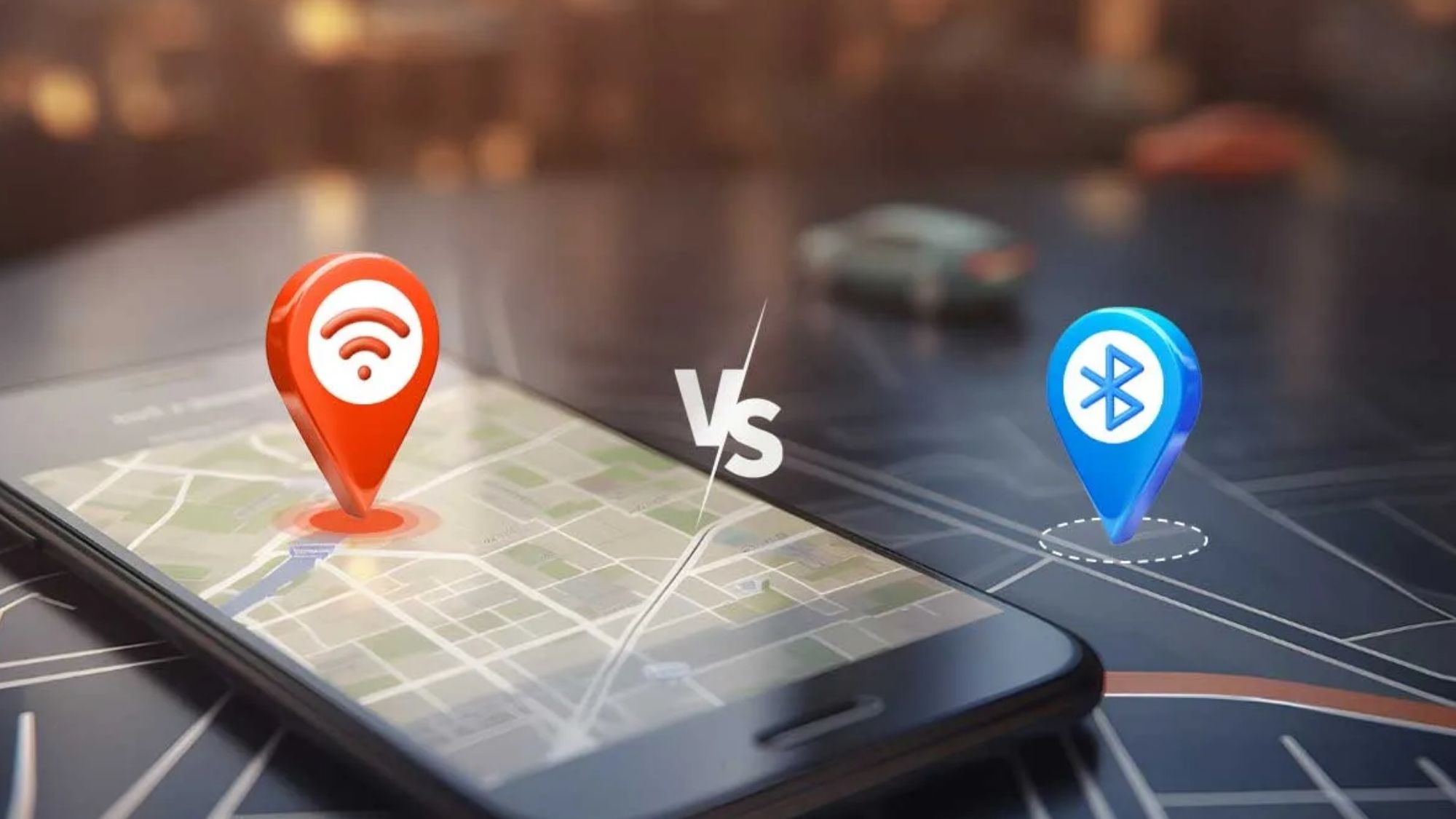
The best tracking tool entirely depends on what headphones you own — and whether you need to find dead or offline devices, or just nearby active ones.
Best Overall for AirPods: Apple Find My
Best Overall for Android Ecosystem Gear: Google Find My Device
Best Universal Bluetooth Finder: Wunderfind
Best iPhone Proximity Scanner: Bluetooth Finder
Best Android Bluetooth Scanner: Find My Headphones & Earbuds
For tracking earbuds that are dead, offline, or far from your current location, Apple’s Find My ecosystem is the clear industry leader in 2026. Its massive crowdsourced network and deep hardware integration outperform every consumer alternative for AirPods and Beats users.
If you own generic Bluetooth headphones without official smart tracking support, Wunderfind is your most reliable bet for close-range recovery.
The Real Truth About Finding “Dead” Bluetooth Headphones
Many app listings overpromise, claiming they can locate any dead pair of earbuds instantly. This is misleading.
Standard Bluetooth headphones stop transmitting signals the second their battery dies. At that point, all basic Bluetooth scanner apps stop working entirely. No signal means no detection, no proximity tracking, no way to pinpoint a location.
The only exception applies to headphones built for official Apple or Google tracking networks. These devices log their last location and can receive crowdsourced updates before fully powering down.
You can split all headphone-finding apps into two distinct categories:
Proximity scanners: Wunderfind, Bluetooth Finder, Find My Headphones & Earbuds. These only find powered-on, nearby devices.
Network-based trackers: Apple Find My, Google Find My Device. These support offline and dead-device tracking for compatible first-party hardware.
In 2026, the smartest way to avoid lost earbuds isn’t downloading extra scanner apps. It’s choosing headphones that support Apple or Google’s native tracking networks. The best tracking tool is always the one built directly into your device’s ecosystem.





