

Best Password Manager and 2FA Apps in 2026: Secure Every Login Across All Your Devices
Why Password Security Is Still a Mess in 2026
Despite the rise of passkeys, biometric logins, and passwordless authentication, most people still manage hundreds of credentials across websites, mobile apps, work platforms, banking services, streaming subscriptions, and online shopping accounts.
Cross-platform evaluations across Windows PCs, Macs, Android phones, iPhones, and multiple browsers frequently reveal a recurring issue: login information becomes scattered everywhere. Passwords end up stored haphazardly in browsers, notes apps, spreadsheets, email drafts, or old authenticator apps that remain forgotten until a device is lost.
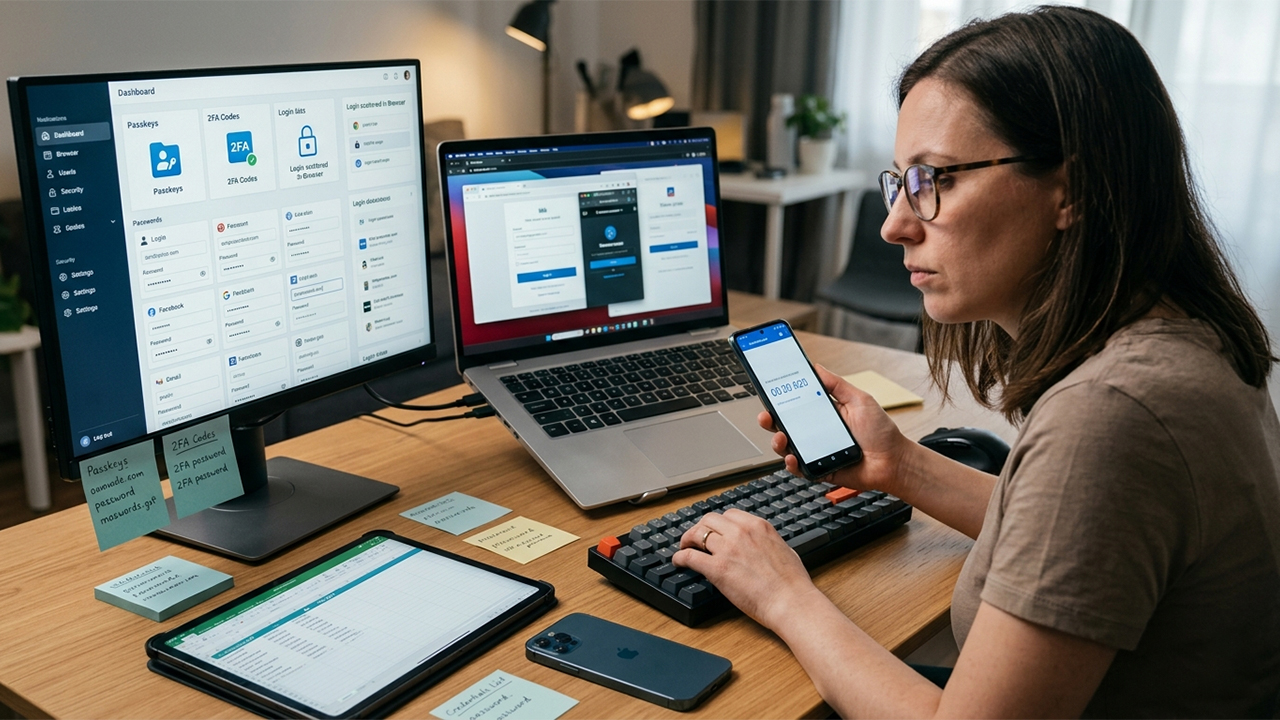
Modern security tools have consequently evolved beyond simple password vaults. The leading solutions now combine password management, passkey support, autofill systems, security monitoring, and built-in 2FA code generation. This consolidation aims to keep credentials organized and accessible across an entire device ecosystem without creating additional complexity.
The evaluation of the following tools focused on several critical benchmarks: cross-device synchronization, password and passkey management, integrated 2FA support, autofill reliability, organizational ease, pricing transparency, and platform availability across iOS and Android.
1. Bitwarden (iOS, Android, Windows, macOS, Linux, Browser Extensions)
Bitwarden continues to deliver the most impressive value in the password management landscape.
Multi-device testing demonstrates fast and dependable synchronization, with new passwords appearing almost instantly on mobile devices and desktop browsers. Unlike many competitors, the free plan remains genuinely practical, offering unlimited password storage and device syncing.
A standout capability is the integrated TOTP authenticator available in the Premium plan. Instead of forcing reliance on a separate authenticator app, Bitwarden generates 2FA codes directly within stored login entries. Full passkey support is also available, making the platform an excellent choice for users gradually transitioning away from traditional passwords.
Pricing Information
Free Plan: Available with core features
Premium Plan: $19.80/year ($1.65/month billed annually)
Key Advantages
Highly generous free tier with unlimited passwords and device syncing
Open-source architecture for verifiable security
Built-in TOTP authenticator and robust passkey support
Broad compatibility across virtually all operating systems
Potential Drawbacks
User interface feels more functional and utilitarian than visually polished
Family sharing configuration is less intuitive than some competing services
Advanced authentication features require the paid Premium tier
Bitwarden provides one of the best balances of security, features, and affordability for anyone requiring a centralized system to manage credentials and 2FA codes across an entire digital ecosystem.
2. 1Password (iOS, Android, Windows, macOS, Linux)
1Password remains the benchmark for polish and user experience among premium credential managers.
Autofill performance proves consistently excellent across Chrome, Safari, Edge, and mobile applications. The platform excels at managing hundreds of credentials without overwhelming the user, largely thanks to its intuitive vault structure and flexible tagging system.
Security monitoring is handled through the Watchtower dashboard, which effectively tracks weak, reused, or compromised credentials. Multiple accounts can be organized cleanly to prevent digital clutter. Furthermore, while many password managers have rushed to add passkey support, the implementation here feels exceptionally mature and user-friendly, routinely earning high praise from industry reviewers.
Pricing Information
Free Plan: No permanent free tier available
Individual Plan: $4.99/month (billed annually)
Key Advantages
Outstanding, highly intuitive user experience
Mature and seamless passkey integration
Proactive security monitoring and data breach alerts
Superb organization tools with custom vaults
Potential Drawbacks
Complete absence of a free tier
Significantly higher cost than budget-focused alternatives like Bitwarden
Locked into a subscription-only model
For individuals who prioritize daily usability, design polish, and effortless autofill above all else, 1Password remains the easiest credential management platform to live with long-term.
3. Dashlane (iOS, Android, Windows, macOS, Browser-Based)
Dashlane has successfully expanded its scope, evolving from a traditional password manager into a broader digital security platform.
Core functionalities like password storage, autofill, and credential syncing perform smoothly across all major devices. The central dashboard provides clear, actionable insights into overall password health and account security.
The major differentiator for Dashlane is the inclusion of bundled security features within its Premium plan, such as virtual private network (VPN) access and comprehensive dark web monitoring. This bundled approach provides a more comprehensive package than many single-purpose competitors. The modern, approachable interface makes it particularly appealing to non-technical users.
Pricing Information
Free Plan: Available with strict usage limitations
Premium Plan: Full subscription options available for advanced features
Key Advantages
Clean, modern, and highly approachable interface design
Detailed password health reporting and actionable security scores
Extra security utilities, including a built-in VPN
Reliable cross-device synchronization and secure sharing
Potential Drawbacks
Higher price point relative to the broader market
Key capabilities are heavily restricted behind the Premium paywall
Broad feature set may feel excessive for users seeking only baseline password storage
Dashlane stands out as an excellent all-in-one security suite for those who prefer an all-inclusive platform over a dedicated, single-purpose password manager.
4. Ente Auth (iOS, Android, Desktop, Web)
Many users prefer to separate password storage from 2FA code generation, and that specific separation is where Ente Auth excels.
As a dedicated authenticator app, Ente Auth offers one of the cleanest and most focused user experiences available. The primary advantage over older authenticators is its end-to-end encrypted cloud backup and multi-device synchronization. Traditional authenticator apps frequently create recovery disasters when a phone is lost or replaced; Ente Auth resolves this vulnerability entirely.
Authentication tokens are also accessible through desktop and web interfaces, making it much easier to retrieve codes when switching between different devices throughout the workday.
Pricing Information
Free Plan: Fully available without cost
Key Advantages
Completely free to use with no hidden fees
End-to-end encrypted backups ensure data privacy
Seamless multi-device synchronization across mobile and desktop
Minimalist, distraction-free interface
Potential Drawbacks
Focused exclusively on 2FA codes, offering no password management
Requires users to maintain a separate solution for login credentials
Ente Auth represents a top-tier choice for security-conscious individuals who prefer keeping their multi-factor authentication entirely separate from their password vaults.
5. Google Authenticator (iOS, Android)
Google Authenticator remains one of the most widely recognized and universally supported names in two-factor authentication.
The application prioritizes intentional simplicity. Setting up a new account requires nothing more than scanning a QR code, which immediately generates rotating authentication tokens. Recent cloud updates have resolved long-standing complaints by introducing reliable synchronization and cloud backup options, making device migrations far less risky than in previous years.
The defining strength of the app is its near-zero maintenance requirement. There are very few settings to configure, no learning curve, and universal compatibility across almost every online service.
Pricing Information
Free Plan: Fully available without cost
Key Advantages
Exceptionally easy to use with rapid setup
Broad compatibility across the entire internet
Backed by a trusted tech ecosystem
Completely free of charge
Potential Drawbacks
Lacks advanced management features and organizational folders
No password storage or passkey management capabilities
Offers minimal flexibility compared to specialized security tools
Google Authenticator remains a safe, dependable choice for users who demand straightforward 2FA code generation without any added layers of complexity.
Choosing the Right Authentication Ecosystem
A close comparison of synchronization reliability, passkey support, 2FA integration, and overall value indicates that Bitwarden serves as the most well-rounded solution for comprehensive login security. The platform successfully unifies unlimited password storage, cross-platform syncing, integrated TOTP authentication, and open-source verification into a single, affordable ecosystem.
For environments where budget is less of a concern and design polish is paramount, 1Password serves as an exceptional premium alternative. However, for the specific task of managing passwords, passkeys, and authentication codes simultaneously across multiple devices without escalating costs, Bitwarden delivers the most balanced and sustainable package in 2026.





