

Find Your Perfect Apartment: 4 Must-Have 3D Floor Plan Apps for 2026
Apartment hunting always sounds exciting in theory—until you’re standing in an empty living room trying to figure out whether your couch will block the hallway or if your bed will leave enough space to open the closet door.
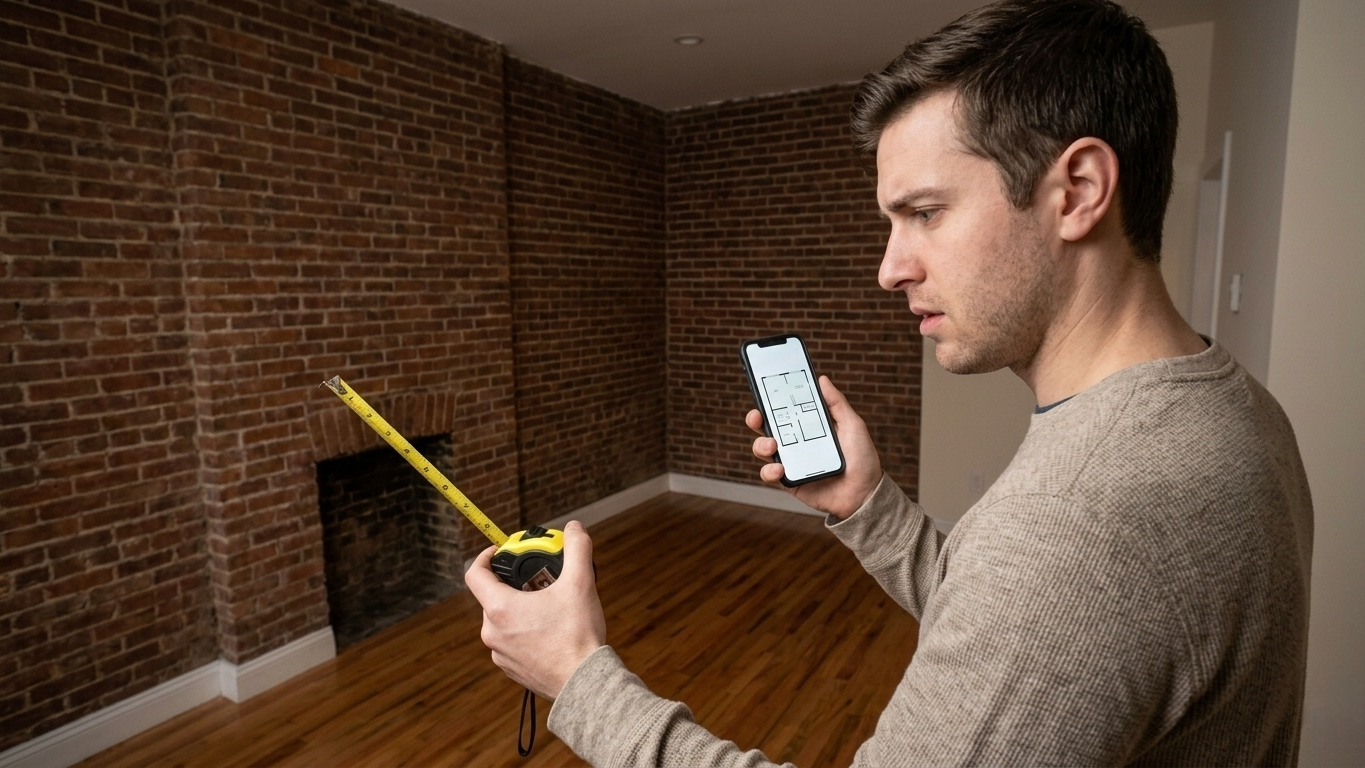
Most renters have been there. You take a few quick measurements, convince yourself everything will “probably fit,” sign the lease, and then discover on moving day that your dining table physically cannot make the turn into the kitchen.
Thankfully, in 2026, you no longer need graph paper, a tape measure, and endless guesswork to visualize a space accurately. Modern mobile apps can now scan rooms, generate floor plans, and even create interactive 3D layouts in just a few minutes. Some focus on precision, while others are designed to help you experiment with furniture placement and interior design ideas before you move in.
To find the best options, we tested the leading apartment-planning apps available on the Google Play Store and Apple App Store. We focused on the features that actually matter for renters: speed, accuracy, ease of use, and how realistic the final visualization feels on a phone or tablet.
Here are the four apps that stood out.
1. Floor Plan Creator(iOS/Android)
Floor Plan Creator continues to be one of the most practical tools for renters because it focuses on functionality instead of flashy visuals. While some newer apps prioritize AI gimmicks or expensive subscriptions, this one keeps things refreshingly straightforward.
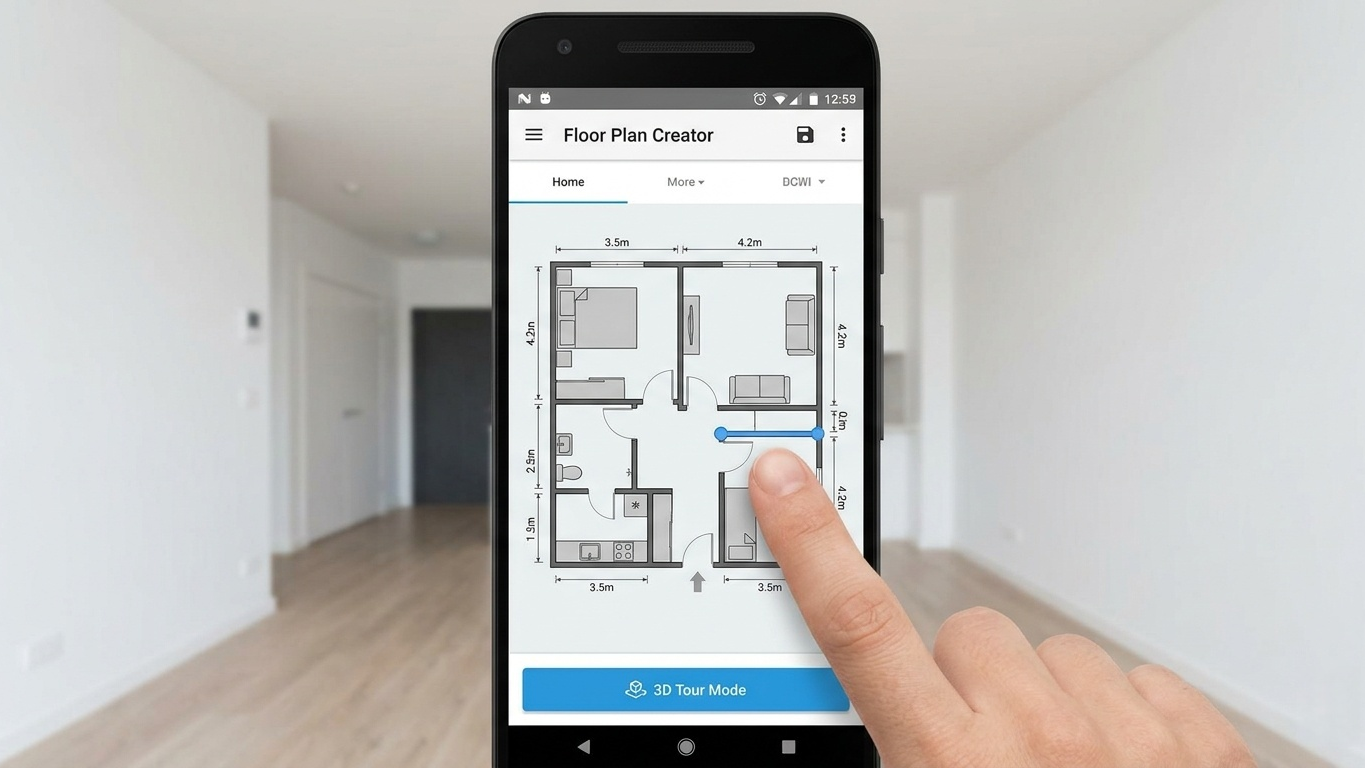
During testing, the most useful feature was its interactive measurement system. You simply tap a wall, enter the dimensions, and the layout automatically adjusts itself. The snap-to-grid controls make it surprisingly easy to create accurate room shapes, even if you have zero design experience.
The Reality Check
The real standout here is the 3D Tour Mode. After entering the apartment’s dimensions, you can instantly switch into a walkable 3D environment to preview the layout. It’s especially helpful when you’re trying to judge how cramped a room might feel once furniture is added.
We found this particularly useful for checking practical details that are easy to overlook during apartment tours—things like walking space between furniture, TV viewing angles, or whether a desk blocks natural light from a window.
Pros & Cons
Pros:
Extremely accurate for manual floor-plan creation.
One-time payment option instead of forcing a monthly subscription.
Lightweight and fast, even on older Android phones.
Cons:
The interface feels somewhat outdated compared to modern design apps.
Lacks advanced AR scanning features found in newer premium tools.
Android-only support limits accessibility for Apple users.
Pricing
Free for basic planning features. A one-time purchase (roughly $7–$10 depending on region) unlocks advanced exports and premium tools.
2. magicplan(iOS/Android)
If you’re touring several apartments in a single day, manually measuring walls quickly becomes exhausting. That’s where magicplan shines.
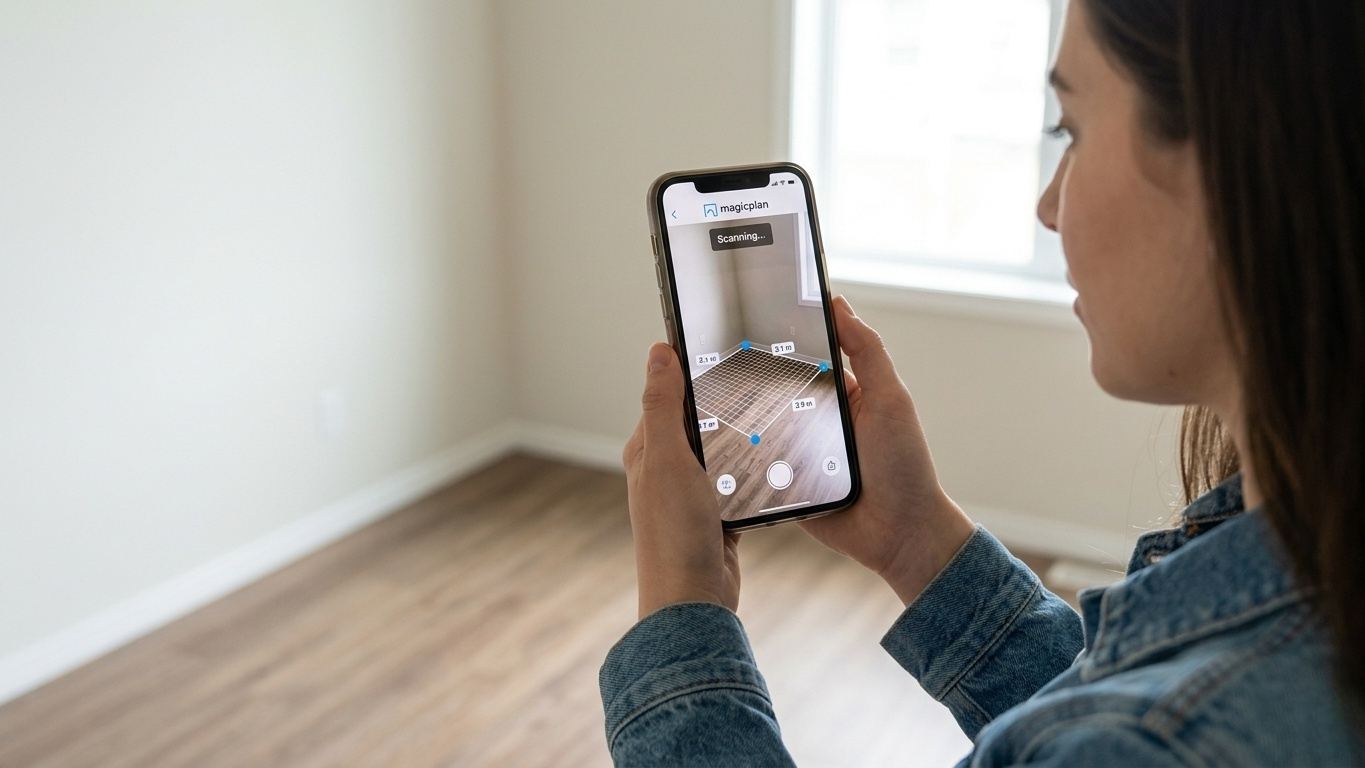
Instead of drawing layouts from scratch, the app uses your phone’s camera—and LiDAR on supported devices—to automatically scan rooms and generate floor plans in real time.
The Reality Check
Magicplan was easily the fastest app we tested. In many cases, it could scan and map an average-sized room in under a minute. During testing, it successfully detected doors, windows, and room corners with surprisingly solid accuracy.
What makes the app especially renter-friendly is how quickly you can add furniture and objects into the generated floor plan. Within minutes, you can test whether your desk fits beside a window or if a king-size bed will overwhelm a smaller bedroom.
That speed matters when you’re standing in a crowded open house with other potential renters waiting behind you.
Pros & Cons
Pros:
Extremely fast room scanning.
Automatic recognition of windows and doors.
Clean, professional-looking floor plans and reports.
Great for people comparing multiple apartments at once.
Cons:
Accuracy can occasionally drift in rooms with unusual shapes or poor lighting.
Some of the best export tools require a paid subscription.
Professional pricing tiers may feel expensive for casual users.
Pricing
Magicplan offers a free version with limited projects. Paid plans vary depending on features and usage needs, with professional subscriptions generally starting around $10/month and increasing for advanced export and collaboration tools.
3. Planner 5D(iOS/Android)
Planner 5D takes a very different approach from the other apps on this list. Instead of focusing purely on measurements and technical floor plans, it emphasizes visualization and interior design.
This is the app for people who care less about exact wall dimensions and more about questions like:
Will my furniture style match the apartment?
Does the room feel too dark?
What would this space look like with a different layout?
The Reality Check
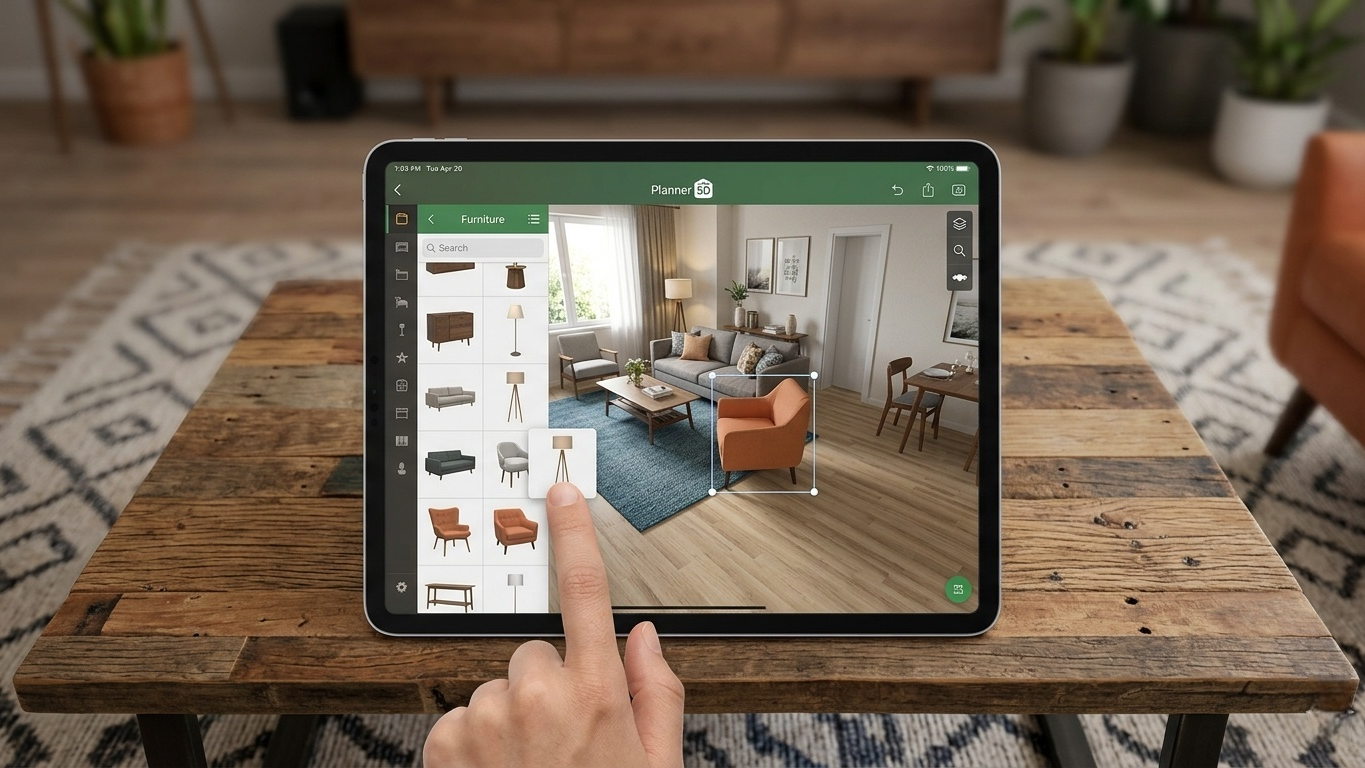
The biggest strength of Planner 5D is how approachable it feels. Even people with no design background can create beautiful-looking 3D layouts within minutes.
Its furniture library is massive, and the rendering quality is significantly more polished than most competitors. During testing, it was by far the easiest app for experimenting with different room aesthetics and layouts.
The AI-assisted design suggestions are also surprisingly useful. Uploading a room photo or sketch can help jump-start the layout process, especially if you struggle to visualize spaces mentally.
That said, Planner 5D is better viewed as a visualization tool rather than a professional measurement app. It’s fantastic for design inspiration, but less reliable if you need architect-level precision.
Pros & Cons
Pros:
Beautiful 3D renders and realistic room previews.
Huge furniture and décor library.
Beginner-friendly interface.
Excellent for experimenting with interior styles.
Cons:
Many premium furniture packs and AI tools require a subscription.
Less measurement-focused than technical floor-plan apps.
Large projects can occasionally feel sluggish on older devices.
Pricing
Free for basic layouts and limited assets. Premium plans typically cost around $5–$10/month depending on the subscription tier.
4. RoomScan Pro(iOS/Android)
RoomScan Pro is designed for users who care about precision above all else. Unlike Planner 5D, this app isn’t trying to be visually stylish or entertaining—it’s focused on producing highly accurate floor plans as efficiently as possible.
The Reality Check
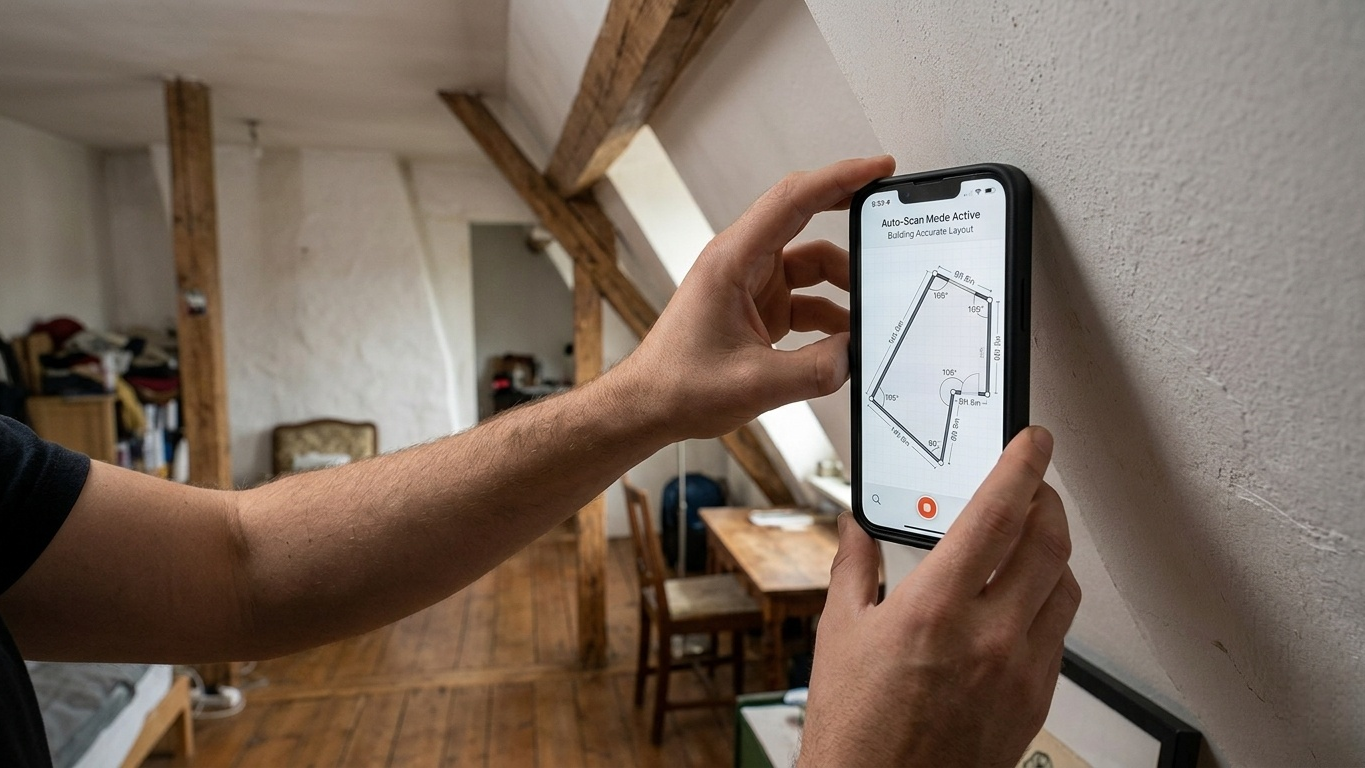
The app’s Auto-Scan system is genuinely impressive. By placing your phone against walls as you walk around a room, RoomScan Pro gradually builds an accurate layout with surprisingly little manual correction required.
During testing, it handled oddly shaped rooms better than most competitors. Angled walls, narrow hallways, and asymmetrical layouts were captured more reliably here than in apps relying entirely on camera-based scanning.
This makes it particularly useful for older apartments or buildings with unconventional floor plans.
Pros & Cons
Pros:
Excellent accuracy for complex layouts.
Reliable multi-room and exterior scanning.
Useful for professional documentation and renovation planning.
Strong export compatibility with professional software.
Cons:
iOS-only availability.
Interface feels utilitarian rather than modern.
Less useful for furniture visualization or decorating ideas.
Pricing
Free to download with limited functionality. Full feature access requires a subscription, typically around $10/month or approximately $100/year depending on the plan.
The Final Verdict
The best apartment visualization app ultimately depends on what you value most during your apartment search.
If you want the most affordable and practical option for accurate floor planning, Floor Plan Creator remains one of the best values available—especially for Android users who don’t want another monthly subscription.
If speed is your top priority, magicplan is hard to beat. The ability to walk into an apartment, scan it in minutes, and instantly visualize furniture placement can save an enormous amount of time during busy apartment hunts.
For renters focused on aesthetics and interior design, Planner 5D is easily the most enjoyable app to use. Its polished 3D renders make it much easier to picture yourself actually living in the space.
And if accuracy matters more than visual polish, RoomScan Pro is the strongest choice for detailed layouts and complicated room shapes.
Before your next apartment tour, spend a few minutes testing one of these apps in your current home first. Once you get comfortable using them, you’ll walk into future apartment showings with far more confidence—and a much lower chance of discovering expensive surprises after move-in day.





