

Conquering the Dinner Check: Top Mobile Tools for Scanning and Splitting Group Bills
Few situations kill the post-dinner buzz faster than the arrival of a single, itemized restaurant bill for a large group. What should be a quick wrap-up to a great evening quickly devolves into an awkward math seminar. Between tracking who ordered the expensive cocktail, dividing shared appetizers, and ensuring the sales tax and tip are distributed proportionally rather than equally, mental math often falls short.
The traditional solution—asking a busy server to split a 10-person check onto separate cards—is highly inconvenient for restaurant staff. On the flip side, simply dividing the total evenly is deeply unfair to the person who ordered a side salad while others enjoyed three courses. To keep dinners friendly and fair, a reliable digital solution is required.
When testing the leading bill-splitting applications on the market, the evaluation focused on real-world reliability. The criteria centered on how accurately the optical character recognition (OCR) tech handles wrinkled paper receipts under dim restaurant lighting, how intelligently the apps distribute tax and tip by percentage, and how easily results can be shared with friends.
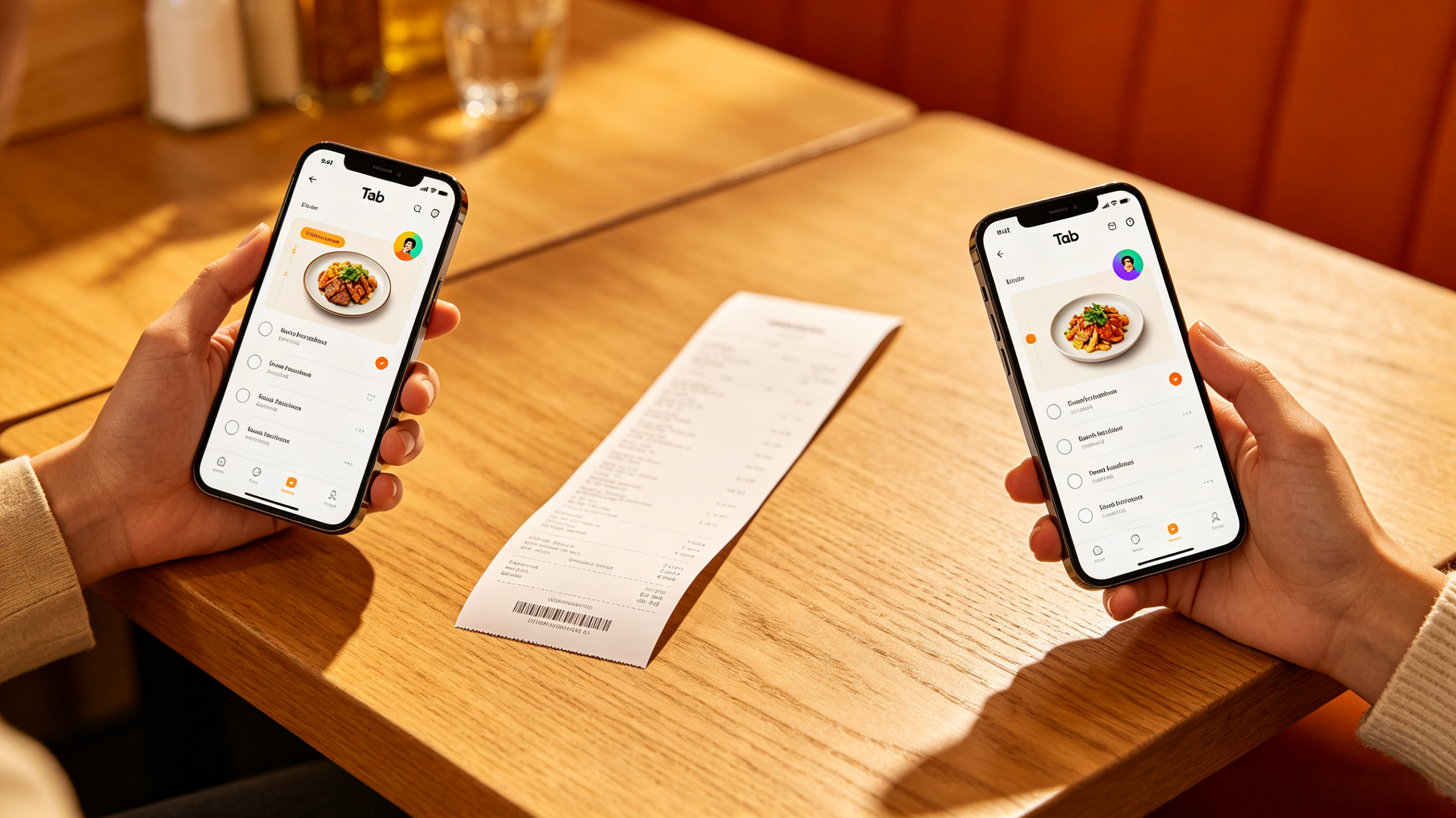
1. Tab - The Simple Bill Splitter
Availability: App Store, Google Play
Pricing: Free
Tab has earned a long-standing reputation as one of the most streamlined solutions for group dining logic. It completely discards heavy budgeting features in favor of a fast, single-purpose scanning interface meant to be used right at the table.
The Reality Check
The core feature that performs exceptionally well is its real-time, multi-device synchronization. Once a single user takes a picture of the itemized receipt, the app uses its OCR engine to pull every dish and drink into a digital checklist. Instead of one person manually assigning every single item, anyone else at the table who opens Tab can join the active bill code. Diners simply tap on their respective items to claim them, and if an appetizer or a bottle of wine was shared, multiple people can tap the same line item to split it evenly among themselves.
Pros & Cons
Pros:
* Collaborative real-time claiming means the bill organizer does not have to do all the work.
* Tax and tip are calculated automatically and distributed proportionally based on each individual's food total.
* Features a dedicated "Birthday Button" that seamlessly splits one specific guest's total across everyone else’s total.
Cons:
* The OCR text scanner can struggle significantly if a receipt uses highly stylized fonts or if the paper is heavily creased.
* The interface lacks an integrated, direct payment button; it only generates the totals to be manually copied into apps like Venmo or Cash App.
2. Splittz
Availability: App Store, Google Play
Pricing: Free (Ad-supported, with optional clean premium tiers)
Splittz represents the modern wave of utility tools that leverage updated, highly adaptable artificial intelligence models to handle receipt parsing. It is tailored for diners who want an ultra-clean, modern aesthetic that bypasses mandatory account sign-ups.
The Reality Check
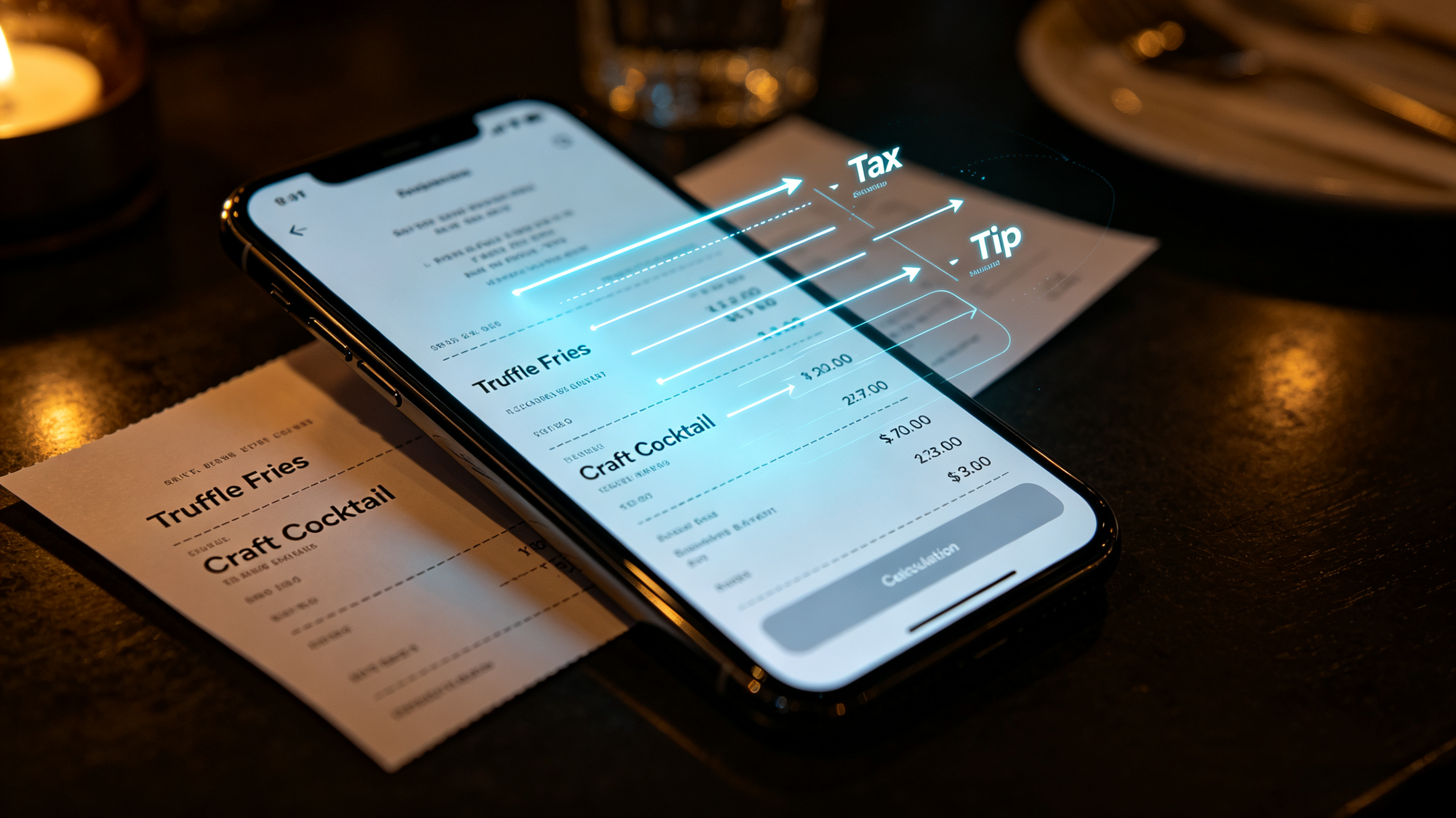
The standout attribute of Splittz is its highly accurate AI parsing engine. During testing on long, complicated receipts containing sub-dishes and modified modifiers, the app successfully differentiated between structural subtotals and actual item prices. Once the items are pulled into the interface, users drag and assign items to custom diner profiles. The app cleanly presents a bottom-line summary where the user can choose to split tax and tip either exactly by consumption percentage or as flat-rate additions.
Pros & Cons
Pros:
* Privacy-friendly model that does not require users or their friends to register an account to read or receive breakdowns.
* Generates beautiful, highly readable text summaries that can be sent directly via iMessage or WhatsApp.
* The advanced AI recognition makes fewer transcription errors on non-standard receipt layouts compared to older apps.
Cons:
* The basic free tier features embedded advertising banners that can disrupt the fluid feel of the clean interface.
* It is a relatively fresh entry to the stores, meaning deep legacy payment integrations are still minimal.
3. Splitwise
Availability: App Store, Google Play
Pricing: Free (Basic tier limits daily entries; Splitwise Pro costs approx. $4.99/month)
While Splitwise is widely known as an expansive expense tracker for roommates and international vacations, its built-in receipt scanning tool makes it an absolute powerhouse for large-scale group dinners that transition into broader weekend events.
The Reality Check
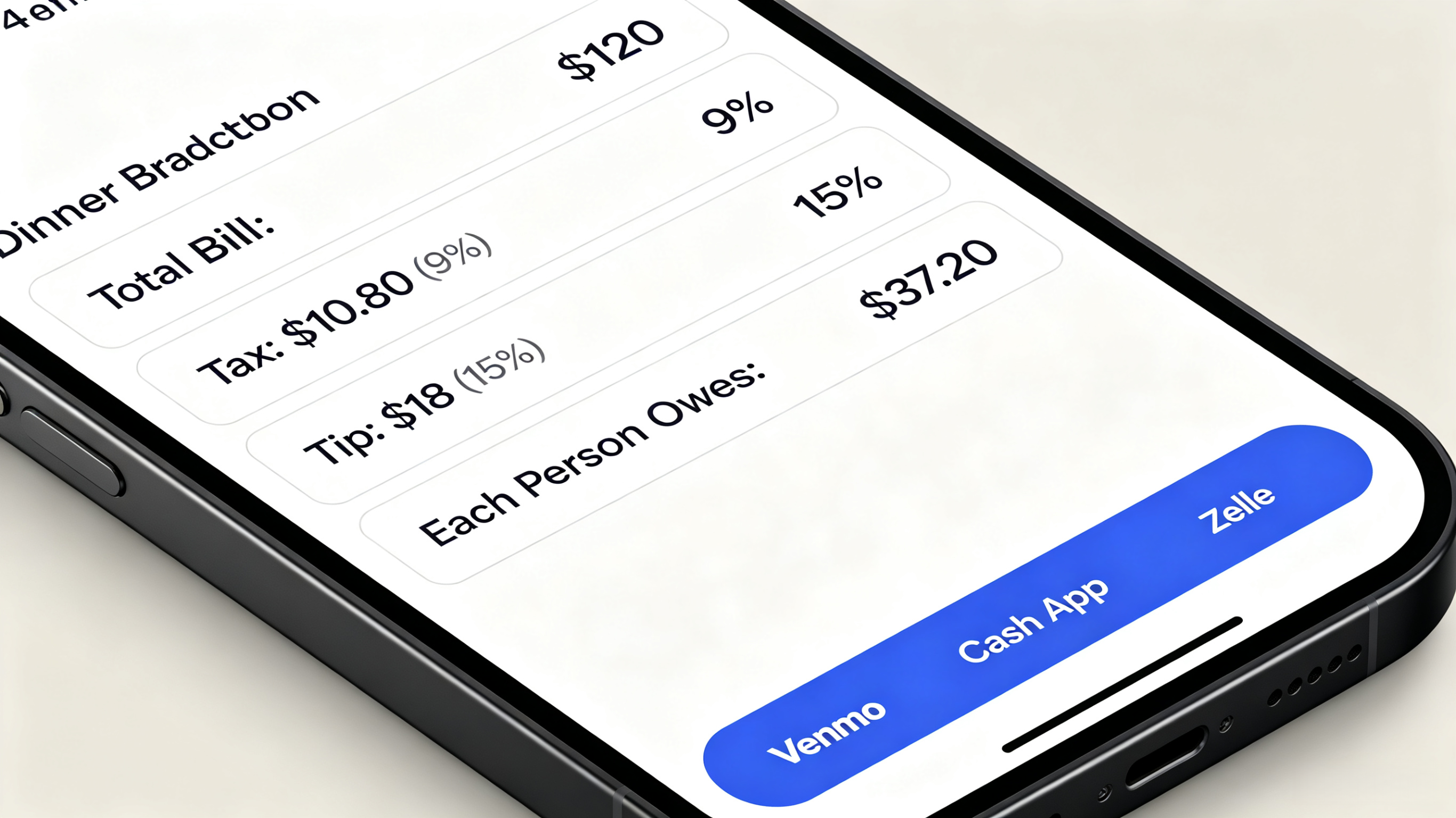
The itemization and receipt scanning engine within Splitwise is incredibly robust, provided the user understands how it handles the math. After uploading a receipt photo, the app isolates the lines, allowing the organizer to assign items by percentage, shares, or exact dollar amounts. Its true utility shines right after the dinner ends: the final amounts do not just disappear. They are instantly logged into a rolling balance ledger, automatically calculating who owes whom across a network of friends and integrating natively with payment services to clear the debt.
Pros & Cons
Pros:
* Perfect for group trips or recurring dinners because it archives past checks and tracks a running balance over time.
* Incredibly diverse splitting logic (split by exact percentages, unequal shares, or custom item assignments).
* Direct, built-in shortcuts to popular payment apps streamline the reimbursement process.
Cons:
* The free basic tier has recently instituted strict limits on the number of daily expense entries, which can catch users off guard if logging multiple meals back-to-back.
* The interface packs in a high volume of features, making it unnecessarily complex if a user simply wants a quick, one-off dinner calculation.
The Final Verdict
For a standard night out with friends, Tab - The Simple Bill Splitter is the absolute best app for this specific scenario.
While Splitwise is unmatched for tracking a multi-day vacation ledger and Splittz offers a highly accurate standalone AI engine, Tab wins on pure tabletop execution. Its unique ability to let every single diner sync up and tap their own items in real-time completely eliminates the bottleneck of one person acting as the group accountant. Because it automatically and proportionally handles the scaling tax and tip calculations based on exactly what each person consumed, it delivers the fairest outcome with the lowest amount of friction.





